 BraveCL
Guides
96 guides

Light Wings
How to add angel wings to a portrait on Mac
Give a portrait luminous angel wings in Light Wings, then compare the edited image with the original side by side.
5 stepsMac

Christmas Colorful
How to make a personalized Santa letter on Mac
Write a Santa letter with a child's name, kind deeds, a custom message, festive letterhead, wax seal and illustration in Christmas Colorful.
7 stepsMac
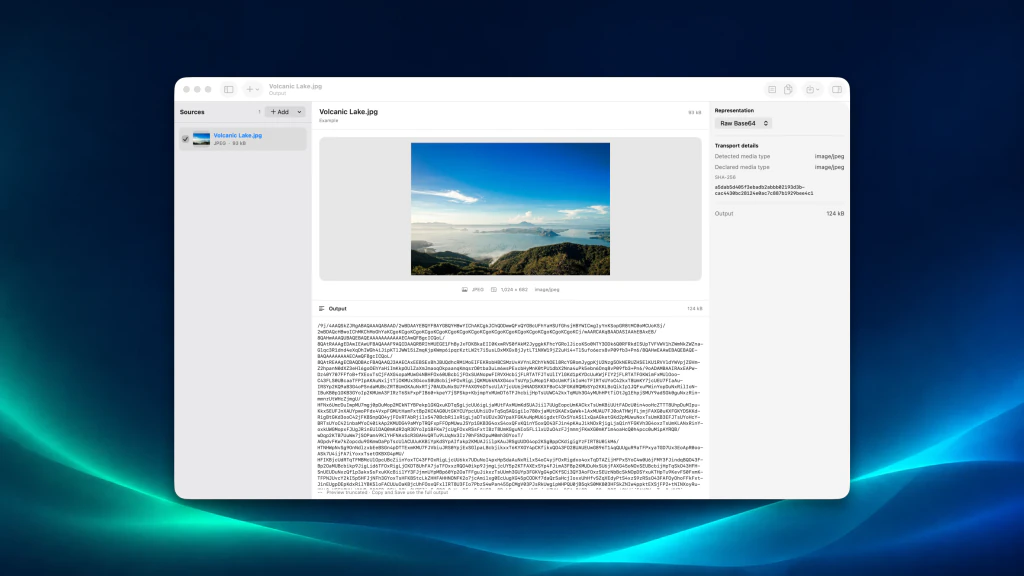
Base64 Image Converter Pro
How to convert an image to Base64 on Mac
Convert an image to Raw Base64 text on Mac, inspect the preview, then copy or save the encoded output.
2 stepsMac

HEIC Photos to JPG & PNG
How to batch convert HEIC photos to JPEG on Mac
Import HEIC photos, configure JPEG output and delivery checks, inspect the actual conversions, then save a verified JPEG batch.
8 stepsMac

Repair Damaged Photos
How to restore a worn portrait on Mac
Repair worn areas of a portrait, adjust old-photo corrections, and compare the restoration with the original.
5 stepsMac

Blur Photo Focus Studio
How to blur a photo background on Mac
Keep a person sharp while softening a busy photo background on Mac with on-device subject assistance, a default Gaussian effect and a split comparison.
6 stepsMac

WebP to JPG & PNG Converter
How to preview a WebP conversion on Mac
Compare a photo with its real WebP trial output before exporting a batch, without replacing the original image.
5 stepsMac
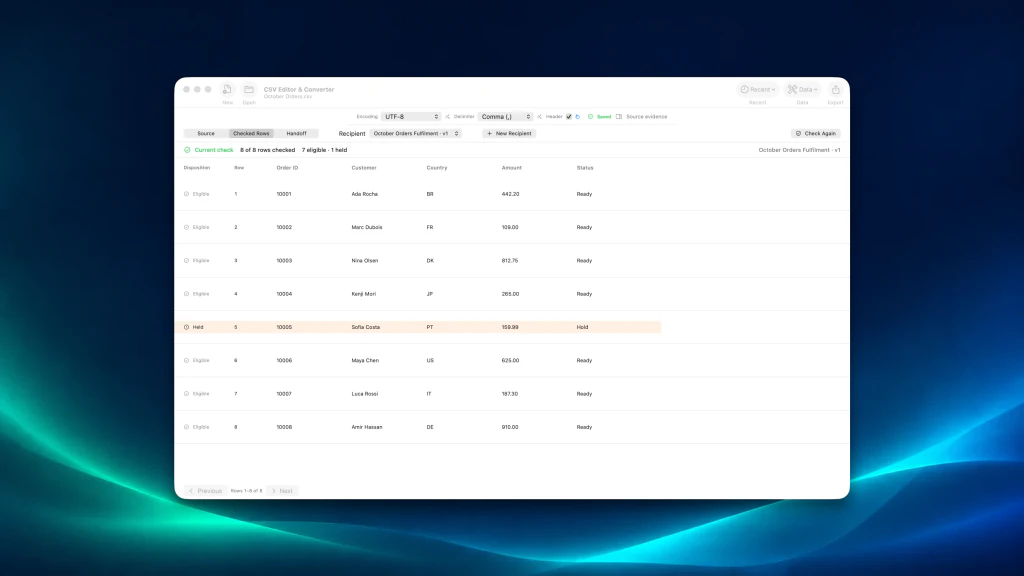
CSV Editor & Converter
How to check CSV rows against recipient rules on Mac
Build a recipient contract, check all CSV rows against it, and identify records that are ready or held before sharing.
7 stepsMac

File Date & Time Editor
How to preview file date changes on Mac
Preview changes to creation and modification dates across a group of files on Mac before applying anything.
8 stepsMac

Pencil Sketch Photo Effect
How to make a hatched bridge drawing on Mac
Turn a bridge photo into a directional-hatching illustration, then tune the pencil texture, edges and line weight on Mac.
6 stepsMac

Christmas Photo Collages
How to style coordinated Christmas Feed posts on Mac
Create two festive Feed posts with matching structure and distinct evergreen and cranberry palettes, artwork and titles.
7 stepsMac

PDF Watermark Studio
How to preview PDF watermark recipients from CSV on Mac
Import recipient rows from CSV, map names and copy IDs, and inspect their preview before applying anything in PDF Watermark Studio.
5 stepsMac

PDF Encrypt & Protect
How to make protected PDF copies for recipients on Mac
Create named PDF copies for an archive and individual recipients, with separate opening passwords and permissions for each copy.
7 stepsMac

Retro Vintage Photo Lab
How to give a portrait a Portra film look on Mac
Apply Kodak Portra 400 to a portrait, adjust warmth, and compare the result with the original in Retro Vintage Photo Lab.
6 stepsMac

GIF to PNG Frame Extractor
How to find an exact GIF frame on Mac
Open an animated GIF, inspect its frames, and select the precise moment you want to keep.
2 stepsMac

File Finder
How to find the largest files in a folder on Mac
Scan a folder, sort the file inventory by size, and see which files take the most space.
4 stepsMac

Image to PDF Export Studio
How to straighten a document photo on Mac
Use four-corner perspective correction to straighten a photographed document and compare the original with the adjusted image on Mac.
6 stepsMac

Website Screenshot Capture
How to review a saved website screenshot on Mac
Capture a webpage at a chosen width, then reopen the saved original with its run history and details.
8 stepsMac

Digital Fashion
How to try and fit a hairstyle on Mac
Preview a haircut on your portrait, resize and position it, then compare the try-on with your original photo.
8 stepsMac

Fancy Text on Photos
How to add editable text to a photo on Mac
Import a photo, add two individually editable headlines, style their looks, and save a Font Tools working copy.
6 stepsMac

Background Cut Studio
How to compare a portrait cutout on Mac
See a portrait before and after automatic background removal, and inspect where the cutout preserves hair and edges.
3 stepsMac

Card Maker
How to compare card designs on Mac
Compare birthday card layouts, switch to a folded card, and preview a different design without replacing your original.
5 stepsMac

Image Quality Booster
How to color grade a photo and compare edits on Mac
Apply a warm look, adjust light and color, zoom in, and use a split view to check your photo against its original.
5 stepsMac

Watermark
How to watermark multiple photos on Mac
Apply a single copyright text watermark to a batch of photos, prepare the marked versions, and review all four results before exporting.
7 stepsMac

Selective Color Photo FX
How to compare selective color edits in Split on Mac
Sample a color from your photo, keep it vivid against monochrome, then use Split to compare the original and edited image.
4 stepsMac

Birthday Card Maker
How to compare birthday card layouts on Mac
Use one photo and birthday message to compare square, tall and 5 × 7-inch printable card designs side by side on Mac.
2 stepsMac

Color Grading
How to color grade a portrait and compare edits on Mac
Adjust a portrait's color, contrast, exposure and shadows in Color Grading Photo Editor, then compare your grade with the original.
8 stepsMac

Build Cache Cleaner
How to find reclaimable build files on Mac
Scan developer folders, compare generated build files by size, and select an artifact to review before cleanup.
7 stepsMac

Christmas Filters & Cards
How to add snow and warm lights to a photo on Mac
Turn a favorite photo into a winter scene with adjustable snowfall and warm fairy lights in Christmas Filters & Cards for Mac.
7 stepsMac

Virtual Super Power
How to Add a Fire Orb to a Photo on Mac
Place a glowing Fire Orb over a street photo, adjust its opacity, and position it inside the scene with Virtual Super Power - Editor.
6 stepsMac

Christmas Card Writer
How to write a folded Christmas card on Mac
Create a folded Christmas card, personalize the front greeting, and add your signature on matching holiday stationery.
3 stepsMac

Galaxy Studio
How to create a cosmic sky on Mac
Import a landscape, add a violet nebula and blue planet, fine-tune their appearance, and compare the cosmic result in Galaxy Studio on Mac.
6 stepsMac

PDF Organizer Pro
How to combine PDF and image pages on Mac
Bring PDF documents and image scans into one page collection, then review the combined pages before exporting.
2 stepsMac

Image Blend Modes
How to blend two photos and compare on Mac
Combine a portrait with an autumn landscape using Multiply, then compare the original with the blended result in a split view.
5 stepsMac

Sketch Drawing Photo Lab
How to compare a photo with pencil art on Mac
Turn a portrait into a pencil sketch and compare the artwork with your original photo side by side on Mac.
3 stepsMac
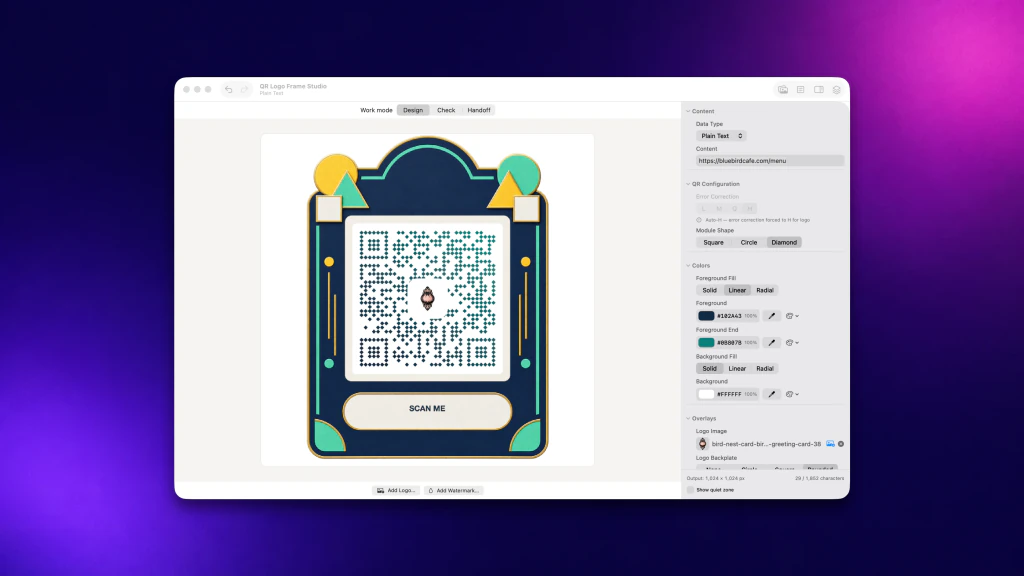
QR Logo Frame Studio
How to create a branded QR code with a logo on Mac
Design a QR code for your link with diamond modules, a two-color gradient, a center image, and a decorative frame on Mac.
6 stepsMac

Collage Maker Studio
How to make a four-photo portrait collage on Mac
Combine four photos in a ready-made grid, then switch to a 4:5 portrait layout for a keepsake or shareable image.
3 stepsMac

File Renamer Pro
How to preview batch file names on Mac
Preview numbered photo filename changes in File Renamer Pro on Mac and check individual results before renaming any files.
4 stepsMac

Clear System
How to find exact duplicate files on Mac
Scan selected Mac folders for exact duplicate files, then review duplicate groups by the space they could recover.
5 stepsMac

Redacted Document
How to hide private text in a photo on Mac
Use black rectangular masks to cover two selected details in a photo with Redacted Document on Mac.
3 stepsMac
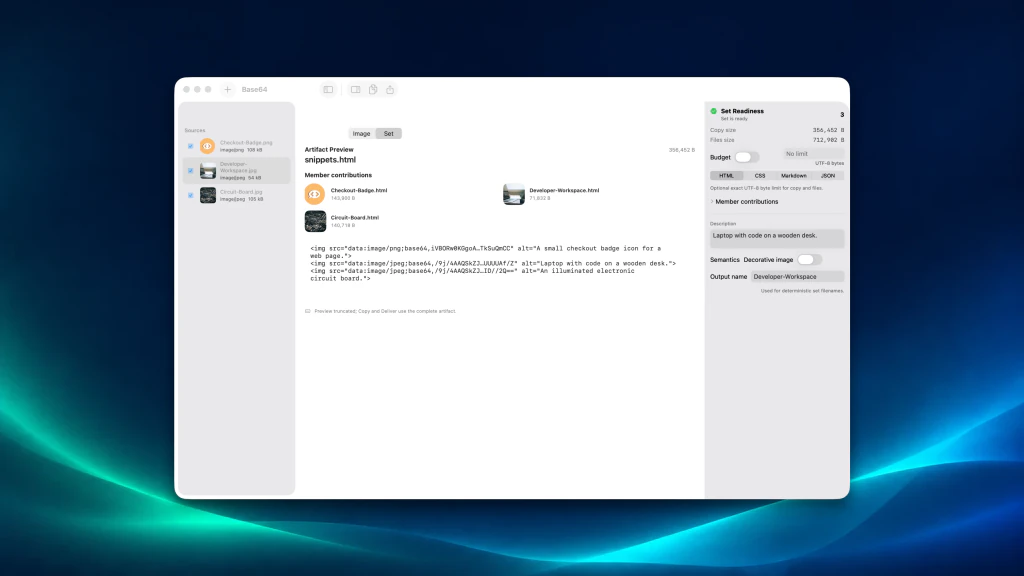
Image Base64 Encoder
How to create HTML image snippets on Mac
Generate HTML image tags with embedded Base64 data and descriptive alt text for multiple images.
2 stepsMac

Halloween Frames Photo
How to make a spooky photo keepsake on Mac
Frame a favorite photo, add Halloween stickers, and write a personal greeting to create a spooky keepsake on your Mac.
7 stepsMac

ModifyIt
How to review and correct file timestamps on Mac
Import files, keep selected timestamps unchanged, apply different date rules to other files, and verify the results before finishing.
8 stepsMac

Drift
How to build a sleep soundscape on Mac
Layer lullaby and rain sounds, set the sleep timer, adjust volume, and play a relaxing soundscape in Drift on Mac.
6 stepsMac

Graphic Design
How to create an editable event poster on Mac
Start with the Night Pulse event layout and open a poster with editable headline, date, venue, call to action, and photo controls.
4 stepsMac

Photo File Size Reducer
How to compress photos to 900 KB on Mac
Set a 900 KB JPEG target for a photo batch, measure each planned output, and compare results before saving.
6 stepsMac

Rainbow Art
How to preview a blue accent in a photo on Mac
Use Rainbow Art to preview a blue detail against a monochrome portrait before deciding whether to apply the effect.
3 stepsMac

Perspective Photo Fix
How to straighten a building photo on Mac
Correct converging building lines on Mac by setting four perspective corners, applying the correction, and framing the result.
6 stepsMac

My Wallpapers
How to build a personal wallpaper library on Mac
Import your own photos, decide which ones rotate, and preview a wallpaper on your Mac without applying it.
5 stepsMac

InstaCards
How to make a business card from your details on Mac
Enter your details, preview a design, and give your business card a Studio Shadow background in InstaCards on Mac.
6 stepsMac

Text Infinity
How to make a photo invitation on Mac
Turn a photo into an invitation with a headline, time, and location using Text Infinity for Mac.
4 stepsMac

Camera Studio
How to apply a Warm Sunset photo look on Mac
Choose a photo in Camera Studio, preview Warm Sunset, tune the look's strength, apply it, and compare the edited image with the original.
8 stepsMac

Print Web Pages
How to adjust webpage PDF page breaks on Mac
Preview an A4 PDF from a webpage, reduce the bottom margin and move an awkward page break before saving or printing.
6 stepsMac

Easter Frames & Cute Stickers
How to make a personal Easter photo card on Mac
Personalize a three-photo Easter card with your portrait, move a bunny basket sticker, and review the finished greeting on Mac.
5 stepsMac

Romantic Photos
How to make a personal anniversary card on Mac
Combine four photos, a romantic heart frame and a personal dedication into an anniversary keepsake with Romantic Photos on Mac.
8 stepsMac

Highlight Color Effects
How to create eight photo colorways on Mac
Start with a sample photo, select its subject, and reveal eight named colorways to compare on Mac.
4 stepsMac

WiFi Passwords
How to create a guest Wi-Fi card on Mac
Turn the guest Wi-Fi credentials already configured on your router into a scannable QR card you can save, print or share from your Mac.
6 stepsMac

Black & White Editor
How to compare black-and-white looks on Mac
Compare ten monochrome photo treatments, refine a Noir look, and inspect the result beside the color original on your Mac.
7 stepsMac
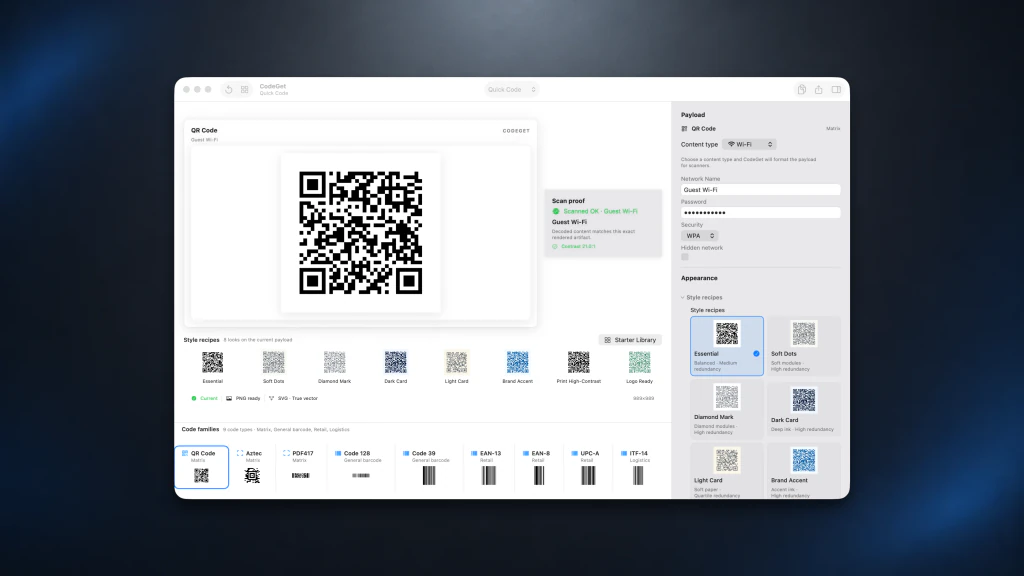
CodeGet
How to create and verify a Wi-Fi QR code on Mac
Create a Wi-Fi QR code in CodeGet, enter the network details, and verify the generated code before you share or export it.
2 stepsMac

Checksum File Studio
How to inspect a missing checksum file on Mac
Import a checksum list, find a missing file in the release scope, and inspect its expected SHA-256 digest before running a full check.
4 stepsMac

Baby Cards
How to make a photo birth announcement on Mac
Turn your newborn photos into a personal birth announcement with a baby's name, date, greeting and coordinated two-photo design.
7 stepsMac

Christmas Collage Card
How to make a six-photo Christmas recap on Mac
Create a Christmas year-in-review collage from six family photos, with a headline, dated captions and a balanced six-photo layout.
8 stepsMac

MemeProducer
How to make a capybara reaction meme on Mac
Choose a capybara meme template, replace the top and bottom captions, and check a square PNG ready to share.
6 stepsMac

Happy Birthday Frames & Cards
How to make a personalized birthday card on Mac
Create a birthday photo card with your favorite picture, a framed design and a personal message in Happy Birthday Frames on Mac.
5 stepsMac

Photo Calendar Maker 2027
How to make a photo wall calendar for any year on Mac
Choose a year, add a photo to a monthly page, and preview your personalized wall calendar before printing.
5 stepsMac

Christmas Frames Studio
How to choose a Christmas frame on Mac
Find a festive frame, narrow the gallery to your preferred layout, and apply it to a photo in Christmas Frames Studio on Mac.
6 stepsMac

Merge PDF Files Studio
How to merge PDF files and review the result on Mac
Combine PDFs into a named packet, replace a revised source, add linked contents and bookmarks, then inspect where the pages meet on Mac.
6 stepsMac

CardCraft
How to make a two-sided business card on Mac
Create a front-and-back business card with your details and logo, compare designs, check print readiness, and save an editable project.
5 stepsMac

Photo Studio Pro
How to add stickers and captions to photos on Mac
Turn a personal photo into a decorated keepsake with a sparkle sticker, a readable caption and a square canvas in Photo Studio Pro.
5 stepsMac

Birthday Frames Studio
How to make a birthday card from one photo on Mac
Preview photo frames, switch pictures, select Birthday Postage, and accept a personal birthday card in Birthday Frames Studio.
4 stepsMac

Gif Separate
How to make a GIF sprite sheet on Mac
Turn an animated GIF into a four-column sprite atlas, previewing the prepared 4×2 sheet in Gif Separate before saving.
5 stepsMac

Light Mixer
How to add soft photo glow on Mac
Apply an Afterglow look to a portrait in Light Mixer, then compare the edited photo side by side with the original.
4 stepsMac

Color Splash
How to keep one color in a black-and-white photo on Mac
Make a blue detail stand out while the rest of your photo turns black and white, then compare the result with the original.
7 stepsMac

Smart Photo Enhancer
How to apply one photo look to a set on Mac
Choose a balanced finish, add related photos, and inspect the set together in Smart Photo Enhancer on Mac.
10 stepsMac

PSD to BMP
How to check PSD files before BMP delivery on Mac
Import PSD files, run Check Batch, and compare the Photoshop composite with its verified BMP before saving any output.
3 stepsMac

FramesMagic
How to make a framed four-photo collage on Mac
Arrange four photos in a wooden frame, then fit each picture neatly inside its own opening using FramesMagic on Mac.
8 stepsMac

Photo Blend
How to blend two photos into a double exposure on Mac
Combine a portrait and flower photo, choose a radial reveal and natural look, adjust placement and strength, and compare the finished image.
7 stepsMac

Duplicate Image Detector
How to find duplicate and similar photos on Mac
Scan a photo folder for exact duplicates and look-alikes, then compare each group side by side before choosing which copies to keep.
4 stepsMac

Birthday Card Maker
How to make a rose-gold birthday card on Mac
Turn one favorite photo into a birthday card with the Rose Gold Blooms floral frame in three steps on your Mac.
3 stepsMac

Valentine Day Dress Up
How to make a personal Valentine photo card on Mac
Turn a photograph and your own words into a romantic Valentine card using a decorative frame, a personal message and a sign-off.
5 stepsMac

Menu Bar Image Studio
How to convert multiple photos to JPEG on Mac
Convert a batch of photos to JPEG, resize to a 640 px maximum edge, remove location data, review the filenames, and verify the delivered files.
8 stepsMac

Photo Text Editor
How to make a personal photo quote card on Mac
Make a photo quote card from a built-in layout, replace the sample words with your message, and keep the result editable on your Mac.
4 stepsMac

IconSizeS
How to prepare and inspect app icons on Mac
Turn square artwork into iOS, macOS and watchOS icon files, then inspect a generated Mac icon at its exact pixel size.
4 stepsMac

Bump Distortion
How to compare a Twirl warp with the original on Mac
Twirl part of a photo in Bump Distortion, save the edit, then compare it side by side with the untouched original.
9 stepsMac

Web Image Optimizer Pro
How to prepare a photo batch for WebP on Mac
Import photos into one batch, preview individual images, and check WebP format and quality settings before conversion on Mac.
3 stepsMac

Daily Horoscope & Tarot Reader
How to read today's horoscope and tarot card on Mac
Choose your zodiac sign, read today's online horoscope, and reveal a saved daily Tarot card in Daily Horoscope & Tarot Reader for Mac.
3 stepsMac

Vector Collection
How to make matching arrow icons on Mac
Select four matching direction arrows in Vector Collection for Mac, with the same category, style and output controls.
6 stepsMac

Blend Images
How to blend two photos and compare the result on Mac
Layer a portrait with another photo, choose Screen blending, adjust opacity, then compare the original and blended result in Blend Images on Mac.
7 stepsMac

Vector Icons
How to create a Mac app icon from your own artwork
Import an image into Vector Icons, compare finishes, accept a gradient, and check your finished Mac app icon at small sizes.
7 stepsMac

Custom Folder Icons
How to give folders matching icons on Mac
Give your Mac folders matching custom icons: design a family of icons, add your folders to a Saved Set, check the Finder sizes and apply.
7 stepsMac

Bulk Image Resize Studio
How to resize a photo batch for web on Mac
Resize a batch of photos to JPEG at 800×600, avoid enlarging smaller images, and review every destination before you resize.
6 stepsMac

Assets for Xcode
How to build a layered app icon on Mac
Create four editable icon depth groups, refine glass material, validate enabled targets, and save a layered project in Assets for Xcode.
10 stepsMac

PSD Layer Export Pro
How to prepare named PNG assets from a PSD on Mac
Select supported layers from a PSD, set clear filenames, and review individual PNG assets before saving them on your Mac.
4 stepsMac

PSD 2 JPEG
How to compare a PSD and JPEG preview on Mac
Open a Photoshop PSD, inspect its JPEG proof, then compare source and output in Split view before saving.
3 stepsMac

Text Icons
How to label a folder icon with text on Mac
Make a folder icon labeled Bills and check its readability at three sizes in Text Icons for Mac.
2 stepsMac

Old World Maps Collection
How to create a historical map study plate on Mac
Compare historical map sources, compose a study plate with contextual photos, and set a custom print size in Old World Maps Collection.
11 stepsMac