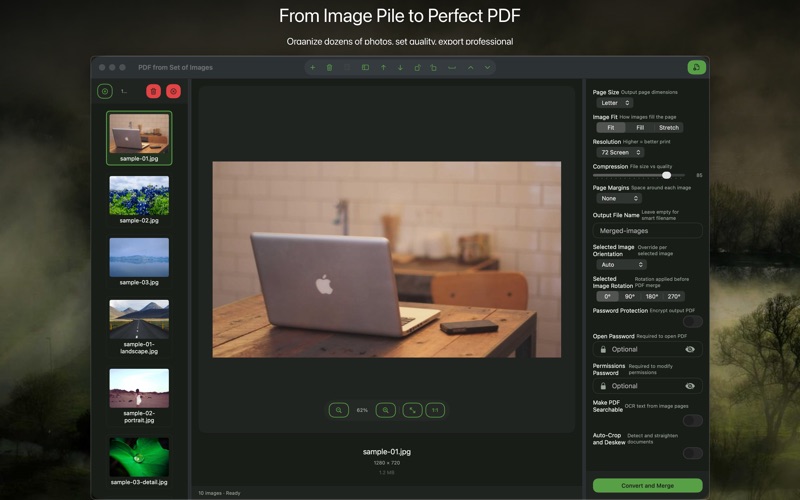
PDF is the format clients expect for documentation, invoices, reports, and deliverables. But your photos are JPEGs or PNGs, and Acrobat is $180/year. Image to PDF Converter bridges this gap: it converts your photos and images to PDF documents on your Mac, without subscriptions, uploads, or third-party services.
The common scenarios
The two most frequent use cases are (1) creating a PDF photo report — a contractor documenting damage, a property manager documenting unit condition, a photographer delivering a proof sheet — and (2) combining multiple scanned pages from a multi-page document back into a single searchable-ish PDF file. Both require the same core feature: merge multiple images into a single ordered PDF.
Building a photo report PDF
Let's say you're a property manager doing a move-out inspection. You take 30 photos of the unit. You need to deliver a PDF report showing the condition of each room in logical order.
- Import all 30 photos into Image to PDF Converter
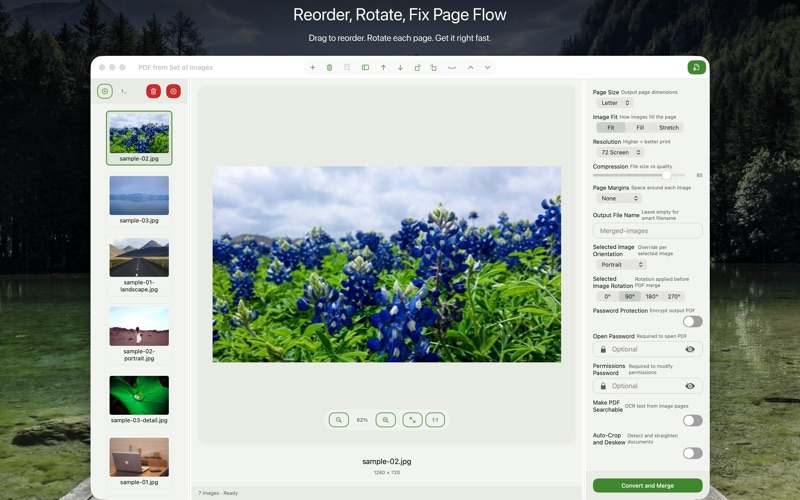
- Drag to reorder — kitchen photos together, bathroom together, etc.
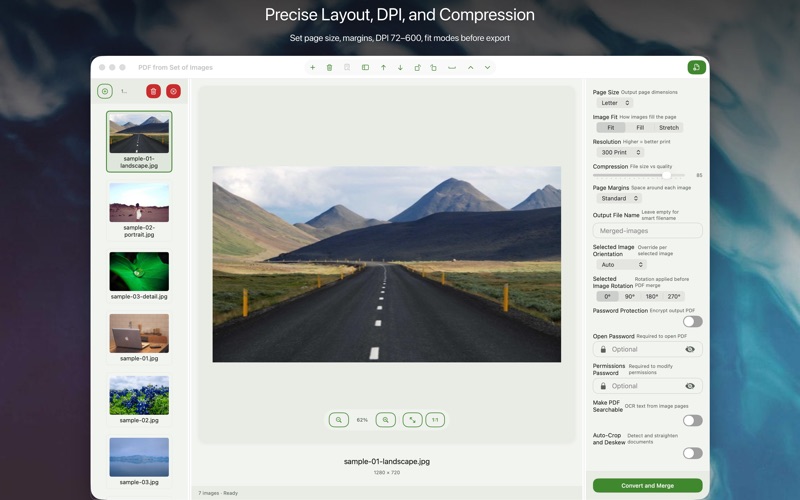
- Set the page size (A4 or Letter) and image scaling (fit to page or original size)
- Add a cover page if needed
- Export as a single PDF
The result is a professional document you can email directly or print without opening any other app.
Combining scanned document pages
If you scanned a multi-page document one page at a time (because your scanner doesn't have an ADF, or you were using your phone), you end up with a folder of individual JPEG or PNG files. Import them all into Image to PDF Converter in the correct sequence and export as a single PDF. The result is identical to what a multi-page scanner would have produced.
This is also the right tool for combining receipts, business cards, or any collection of physical documents you've scanned one-by-one.
Quality and file size controls
A PDF containing 30 high-resolution photos can easily exceed 100MB. Image to PDF Converter lets you set the compression level for embedded images, which directly controls the final file size. For email delivery, a medium quality setting keeps the file under 10MB while remaining visually clear on screen. For print, use maximum quality.
Everything stays local
All conversion happens on your Mac. Your photos don't leave your device. There's no cloud service, no account, no monthly charge. Image to PDF Converter is $9.99 one-time on the Mac App Store, requires macOS 13 Ventura.