 BraveCL

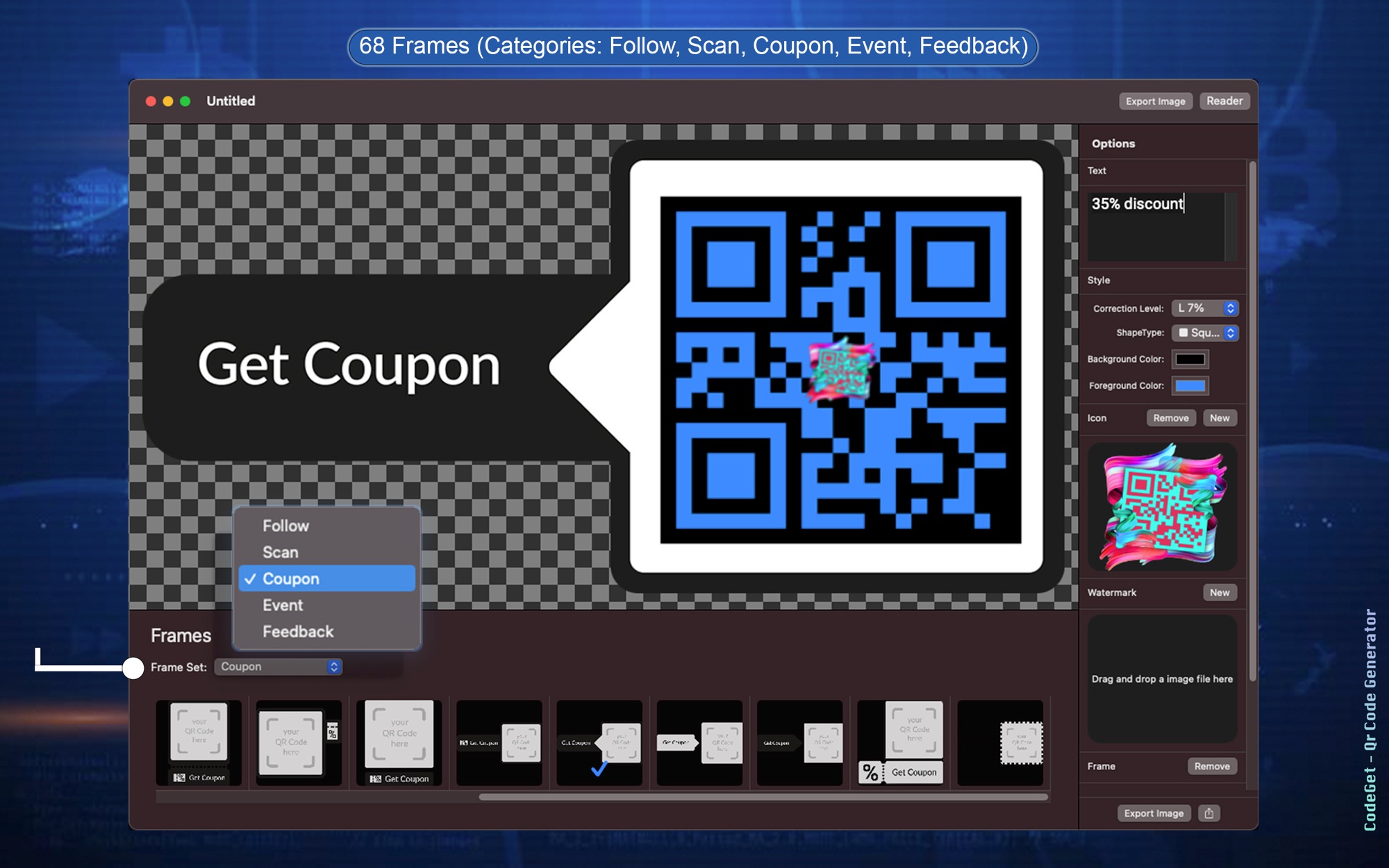
What CodeGet does
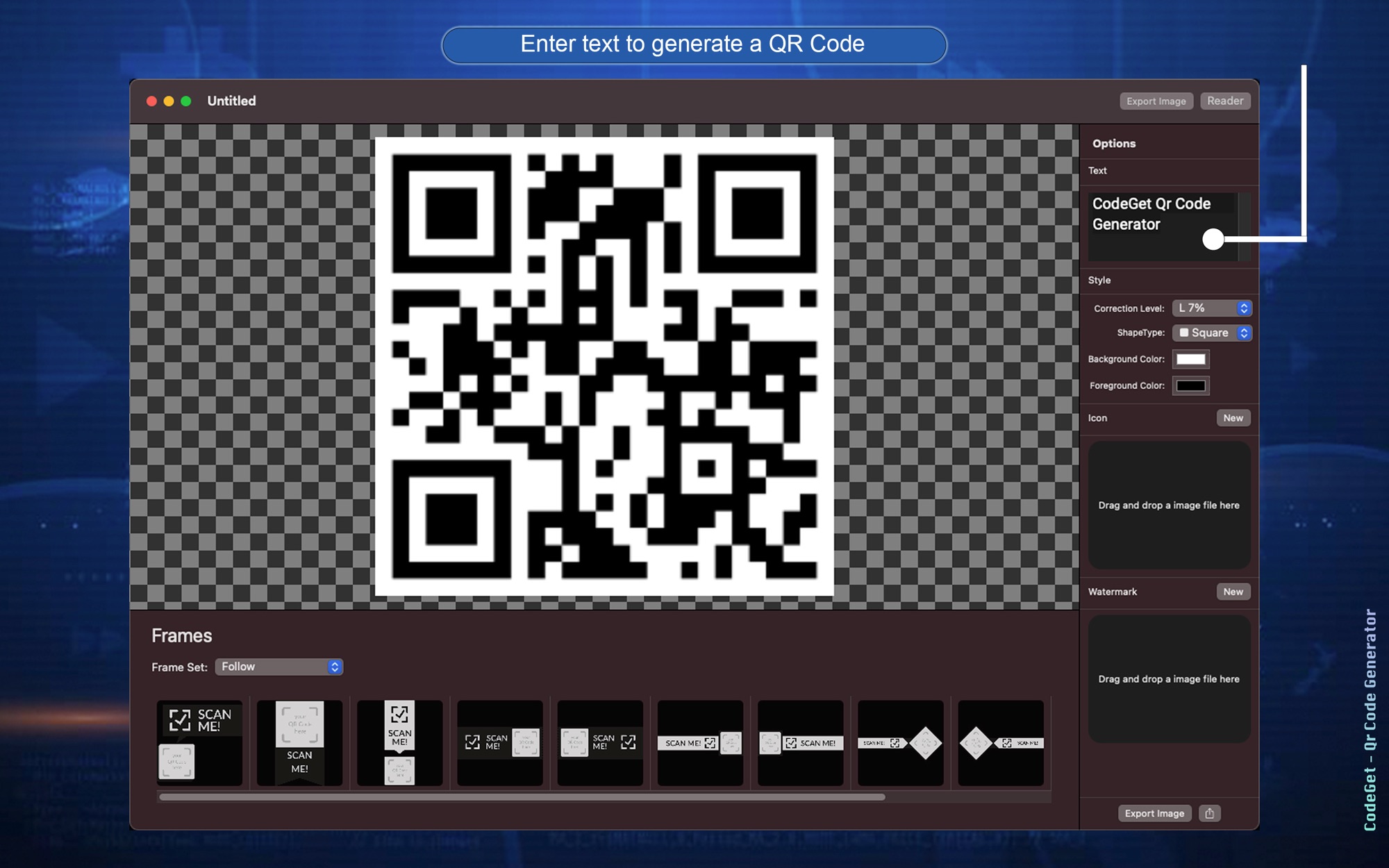
Type any content
Type the content you want into the Text field.
Choose a correction level
Pick how much of the code can be restored if it gets dirty or damaged.
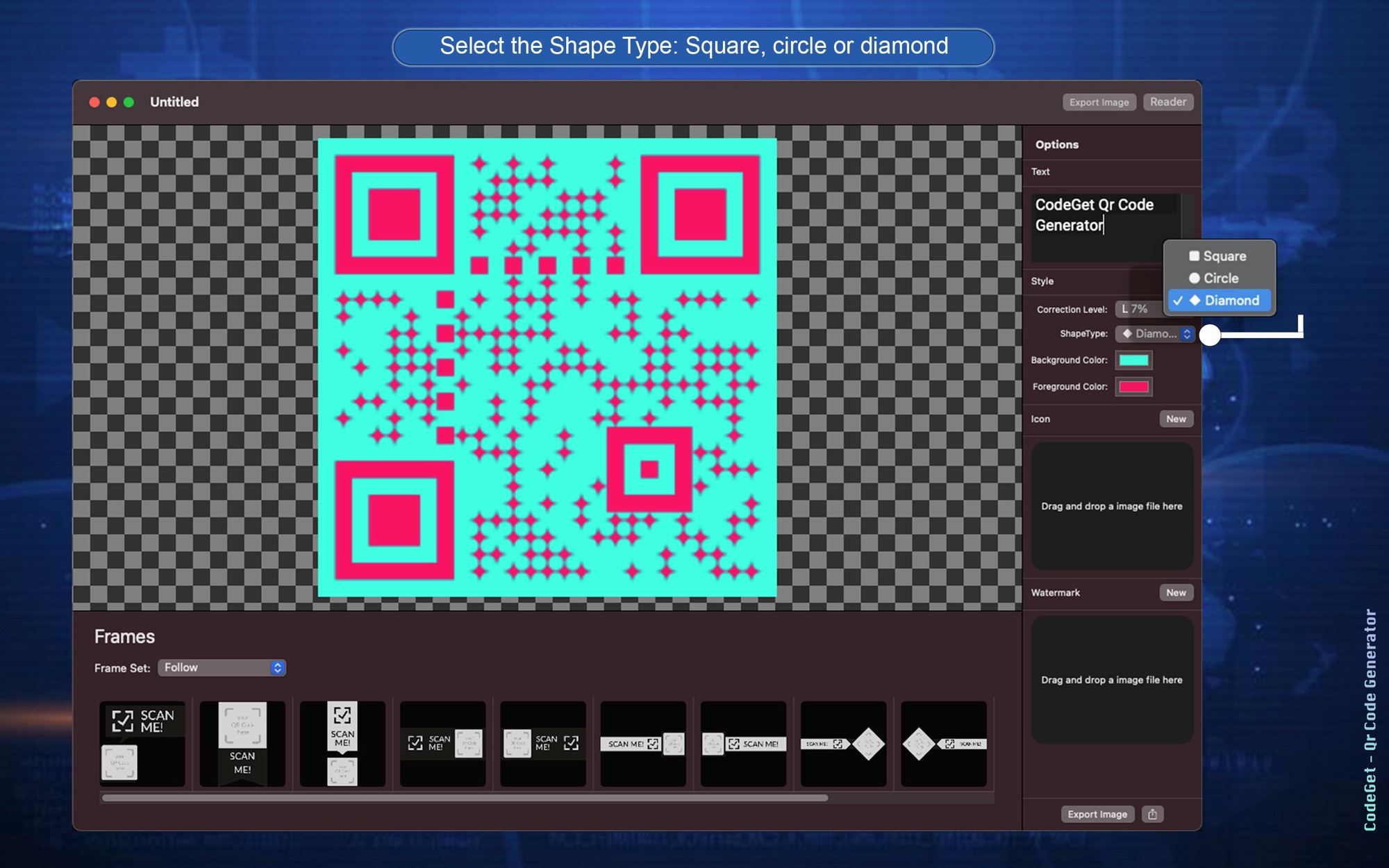
Choose a shape type
Pick Square, Circle or Diamond for the shape of the code.
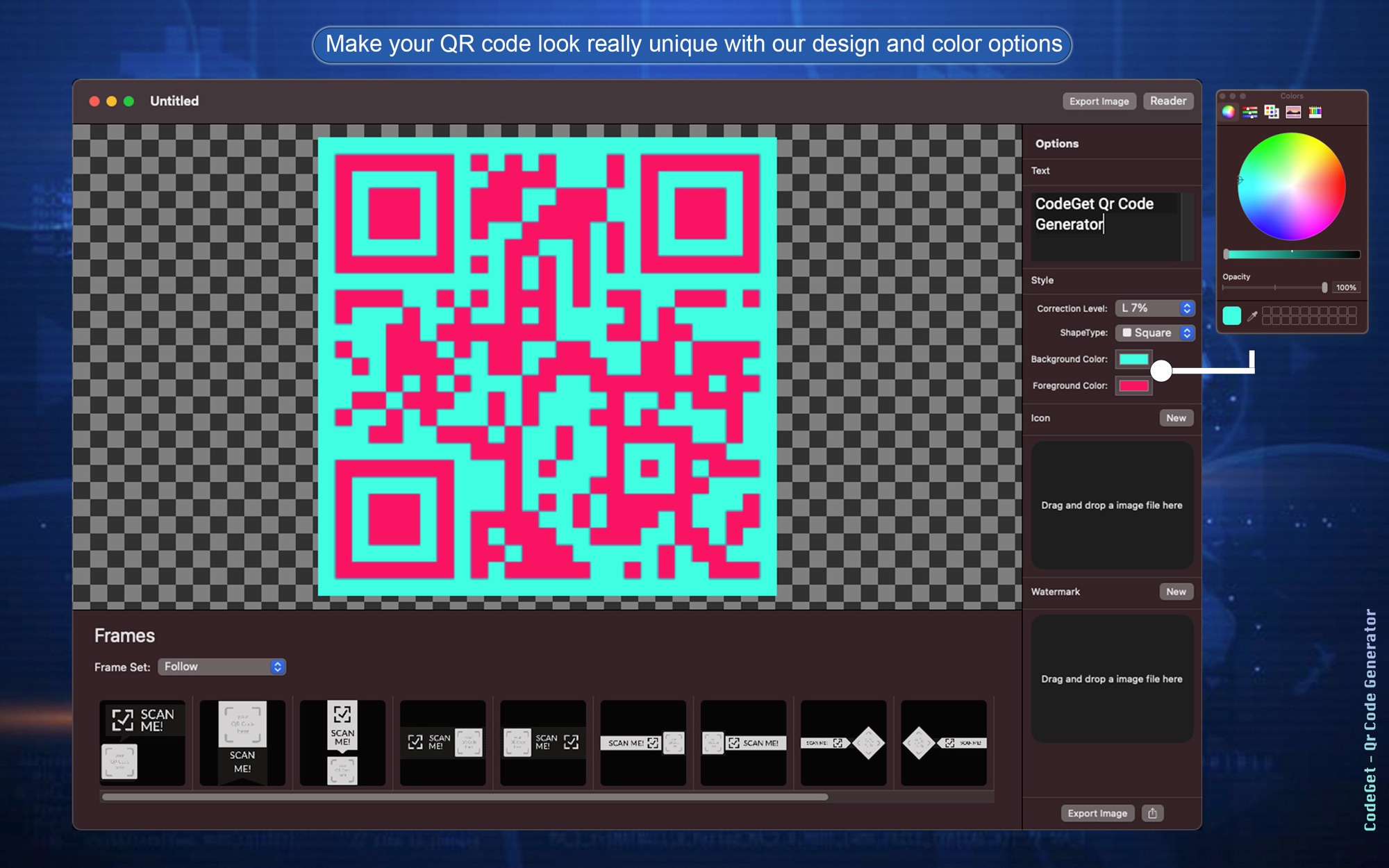
Set background and foreground colours
Set the background colour and the foreground colour to style the code.
Add an icon or logo
Insert an image at the centre of the code, such as a business logo.
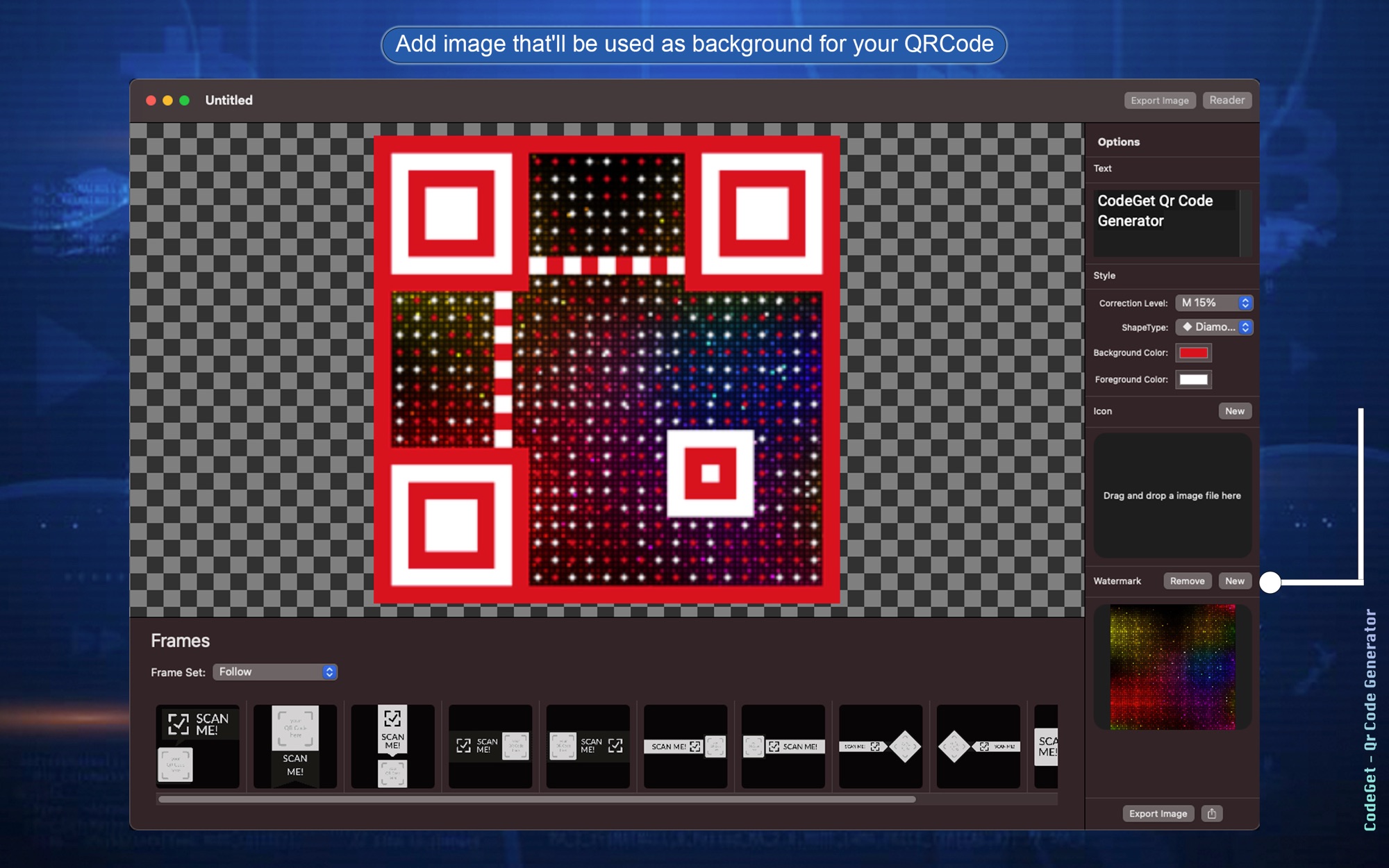
Use a watermark image
Add an image that sits behind the code as its background.
How it works
Step 1 of 5
Type the content
Type the content you want into the Text field.
Step 2 of 5
Choose the correction level
Pick how much of the code can be restored if it gets dirty or damaged.
Step 3 of 5
Style the code
Select a shape type, then set the background and foreground colours. Both are optional.
Step 4 of 5
Add an icon or watermark
Optional. Insert a logo at the centre of the code, or an image as its background.
Step 5 of 5
Export the image
On Mac, use the Export Image button. On iPhone and iPad, use the share button in the top right corner.
Platforms and requirements
macOS
- Store
- Mac App Store
- Version
- 2.3
- First released
- 23 Apr 2021
- Purchase
- One-time purchase: US$9.99 in the Mac App Store
iOS
- Store
- App Store
- Version
- 1.1
- Requires
- iOS 14.1 or later
- First released
- 23 Apr 2021
- Last updated
- 1 Jun 2021
- Purchase
- One-time purchase: US$9.99 in the App Store
- Seller on the Mac App Store
- BraveCloud
Details
- Languages
- 1 language
- Account
- Not needed to use the app
Questions
Can I change the colours and shape?
Yes. Set the background and foreground colours, and choose Square, Circle or Diamond for the shape.
What does the correction level do?
It sets how much of the code can be restored if the code is dirty or damaged.
Can I add a logo?
Yes. Select an icon, such as your business logo, to place it at the centre of the code. It is optional.
Is it on Windows?
Not at the moment.
More developer tools
 Text IconsPut your words on folder artwork. Check the label at 32, 64 and 128 points, then save a PNG.Developer Tools
- macOS
- Windows
 Vector IconsGet a finished app icon ready for Xcode on Mac and iOS. Check the 16 pt and 32 pt sizes, then export the files.Developer Tools
- macOS
 Assets for XcodeGet a finished AppIcon catalog ready for Xcode. Preview each platform as you adjust the source image.Developer Tools
- macOS
- iOS
Need help with CodeGet?
Install and refund help for each store, and a form that reaches the developer.