 BraveCL

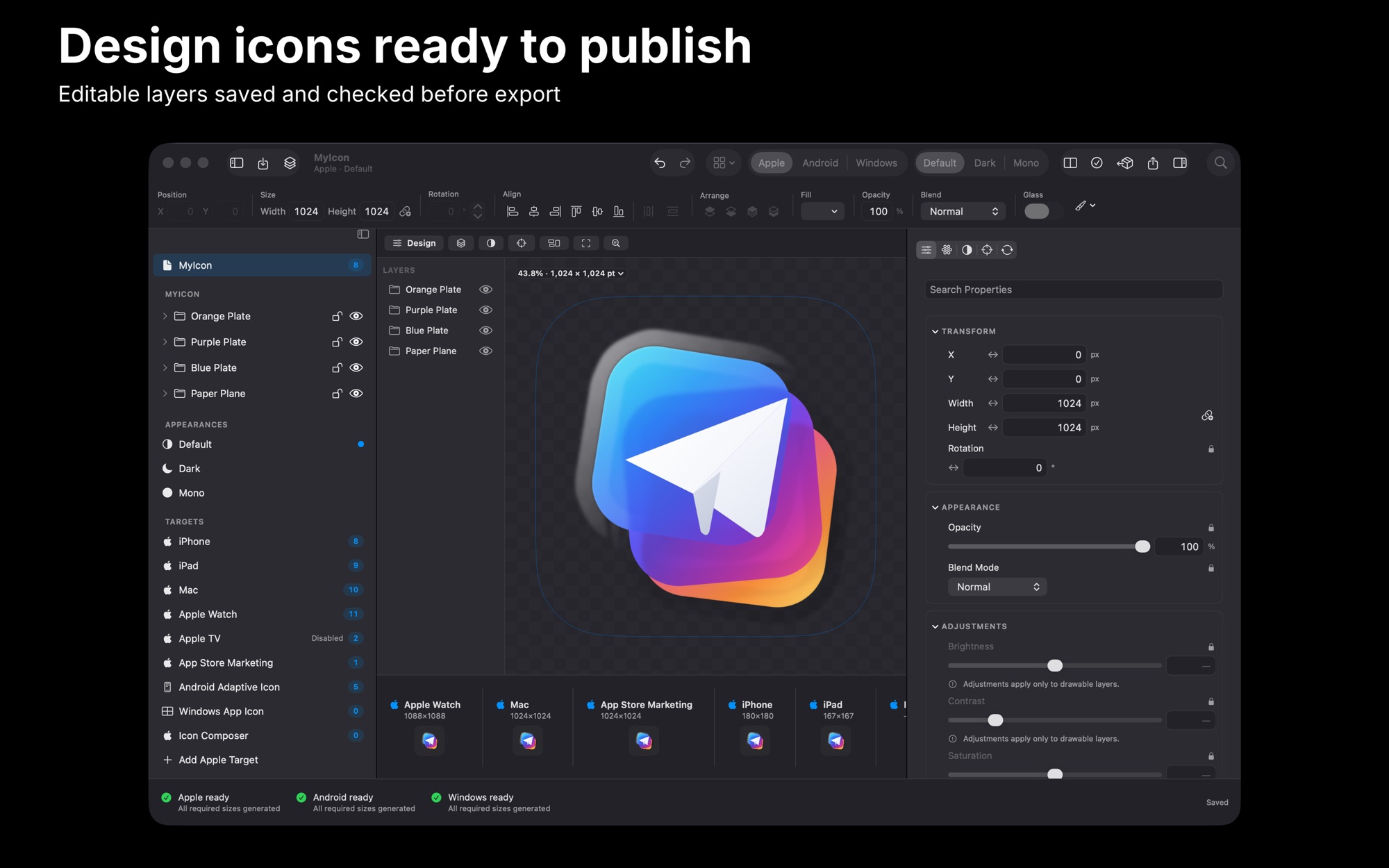
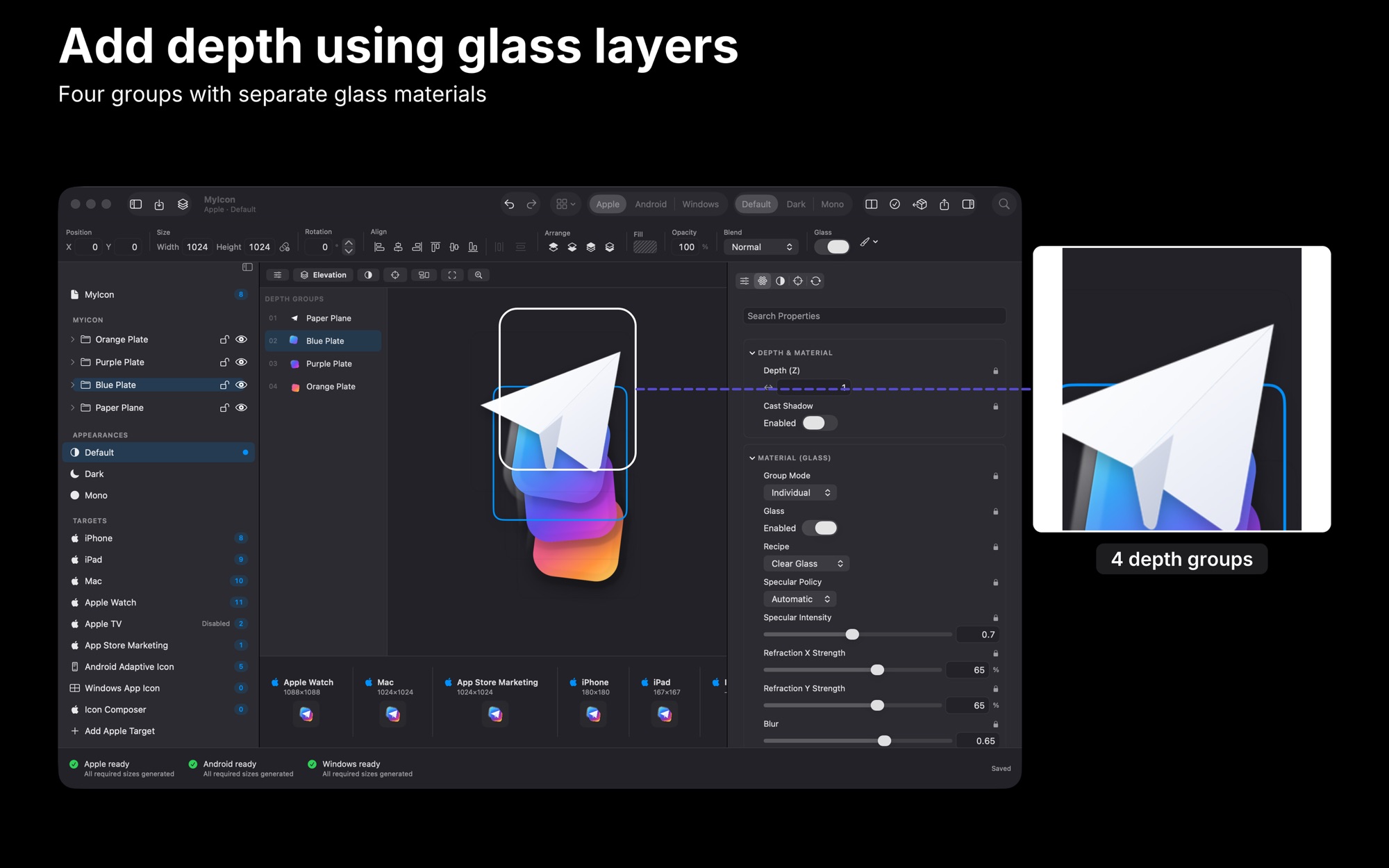
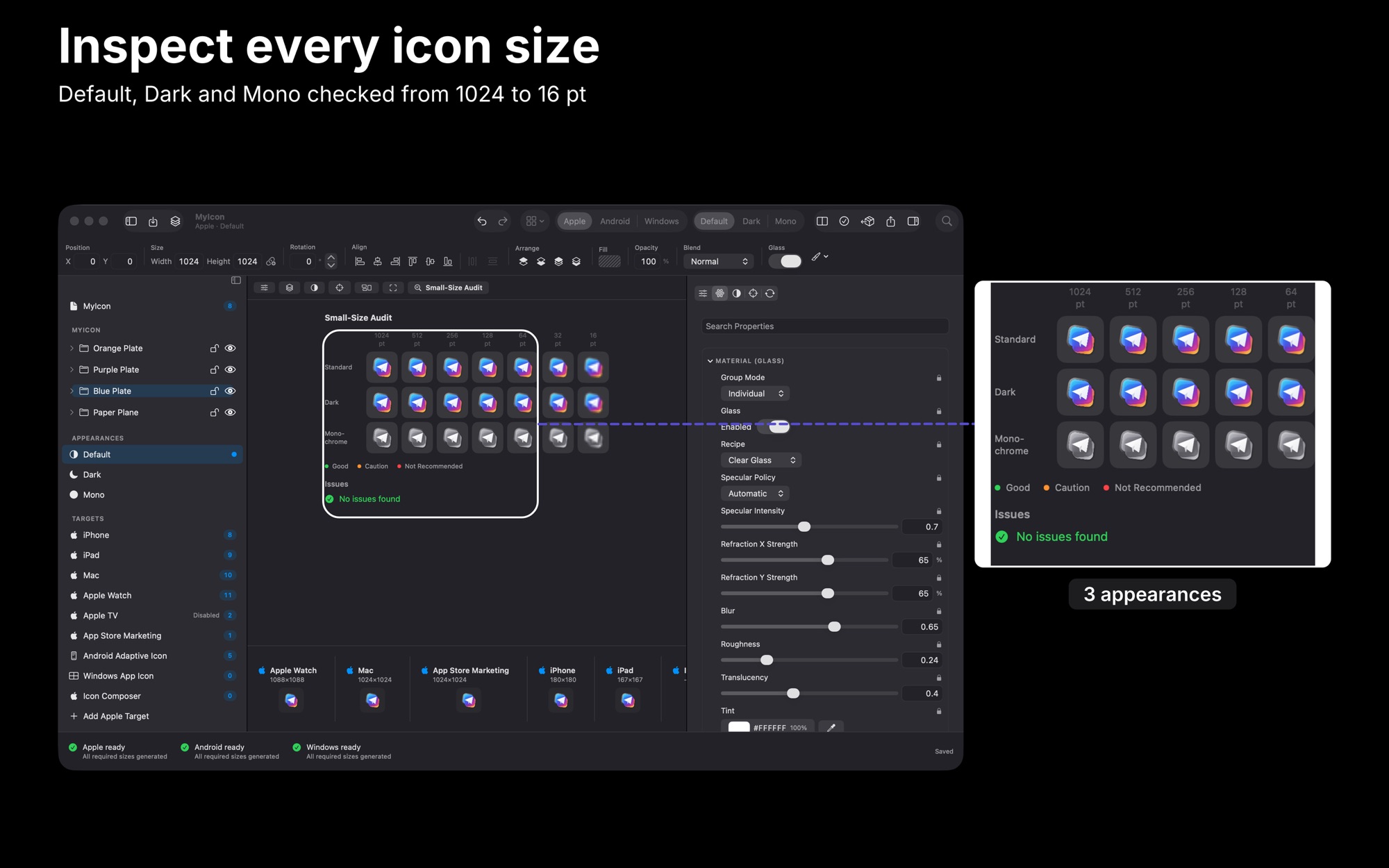
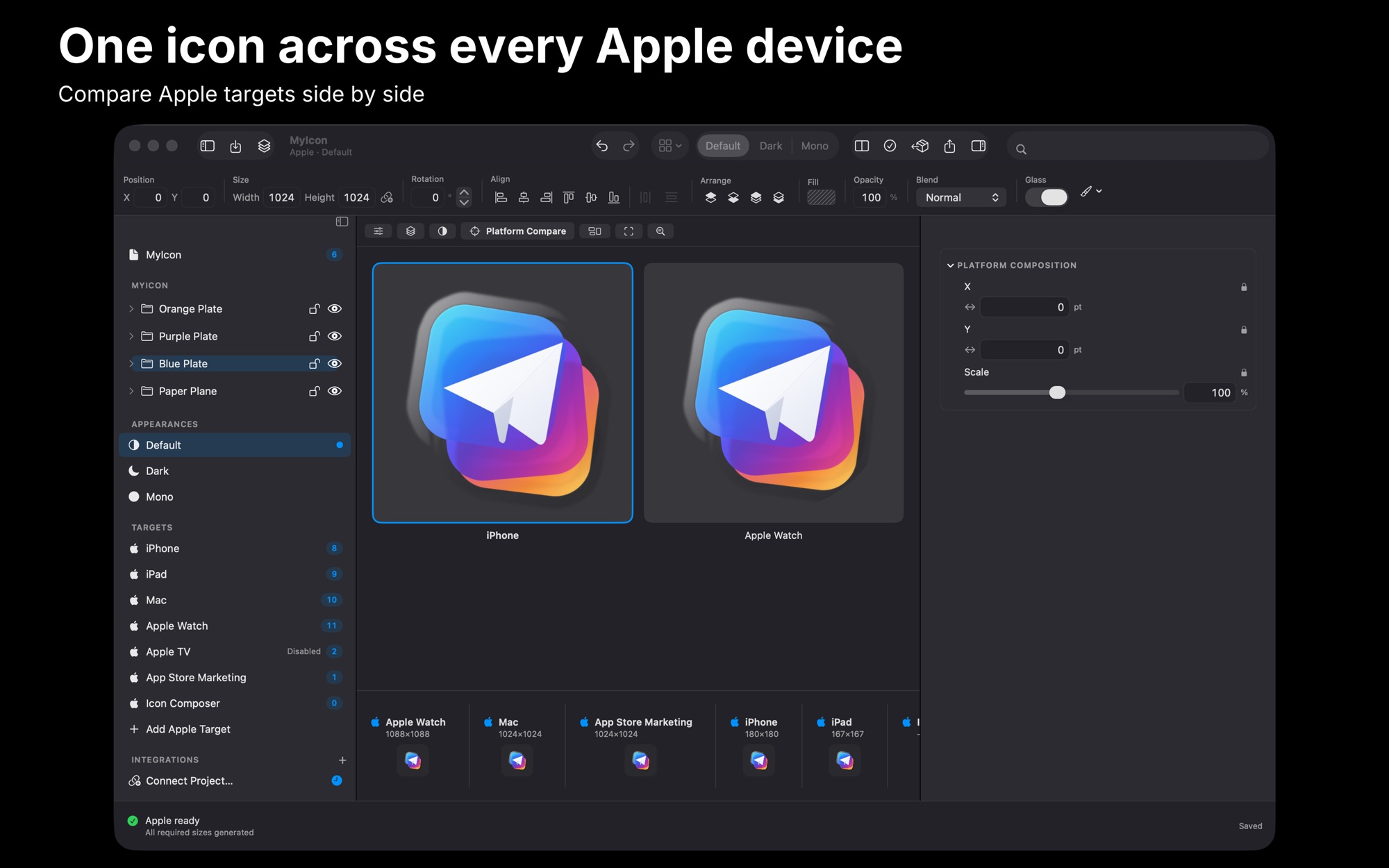
What Assets for Xcode does
Start from one 1024px icon
Drop in one 1024px source image. Drag and drop, Finder, Files or Photos all feed the same pipeline.
Preview every platform at once
Check iPhone, iPad, Mac, Apple TV and watchOS mockups as you adjust the artwork.
Set colour and background
Pick a preset, a gradient or a hex value for the background. Tune brightness, contrast, saturation, warmth and vignette.
Edits reapply to the source
Crop, Resize and adjustments always reapply to the source image, so each change starts from it.
Export with Contents.json
Exports come with generated Contents.json files. On macOS, the export folder opens instantly.
How it works
Step 1 of 4
Add the source image
Drop a 1024px icon onto the canvas, or add it from Finder, Files or Photos.
Step 2 of 4
Turn on the platforms
Switch on the platforms you ship to in the inspector, including watchOS and Apple TV.
Step 3 of 4
Adjust and check previews
Change colour, background or sliders and watch the platform previews update.
Step 4 of 4
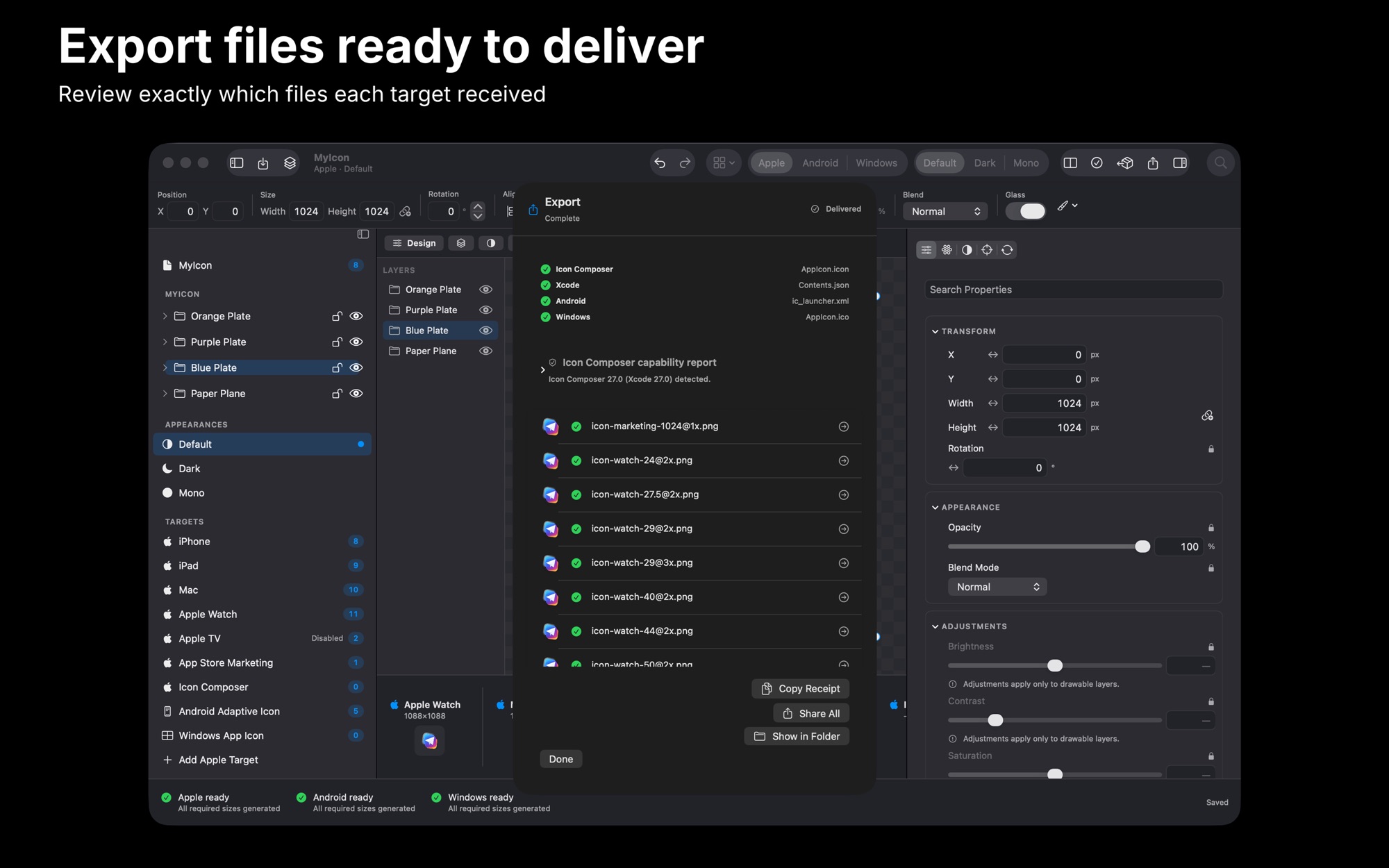
Export the catalog
Export the set. The export folder opens on macOS, and exports remember your last destination.
Platforms and requirements
macOS
- Store
- Mac App Store
- Version
- 6.1
- First released
- 26 Jun 2015
- Purchase
- One-time purchase: US$19.99 in the Mac App Store
iOS
- Store
- App Store
- Version
- 5.0
- Requires
- iOS 18.0 or later
- First released
- 26 Jun 2015
- Last updated
- 5 Dec 2025
- Purchase
- One-time purchase: US$19.99 in the App Store
- Seller on the Mac App Store
- BraveCloud
Details
- Languages
- 1 language
- Account
- Not needed to use the app
Questions
Does it change my original image?
Edits are applied from the source image each time. Crop, Resize and adjustments always reapply to the pristine source image.
Which platforms do the previews cover?
iPhone, iPad, Mac, Apple TV and watchOS. Platform toggles in the inspector choose which ones you generate.
Is it on Windows?
Not at the moment.
More developer tools
 Text IconsPut your words on folder artwork. Check the label at 32, 64 and 128 points, then save a PNG.Developer Tools
- macOS
- Windows
 Vector IconsGet a finished app icon ready for Xcode on Mac and iOS. Check the 16 pt and 32 pt sizes, then export the files.Developer Tools
- macOS
 CodeGetAdd your own colours, a shape and a logo to the code. Type the content, pick a correction level, then export.Developer Tools
- macOS
- iOS
Need help with Assets for Xcode?
Install and refund help for each store, and a form that reaches the developer.