Convert All Images
Convert All Images
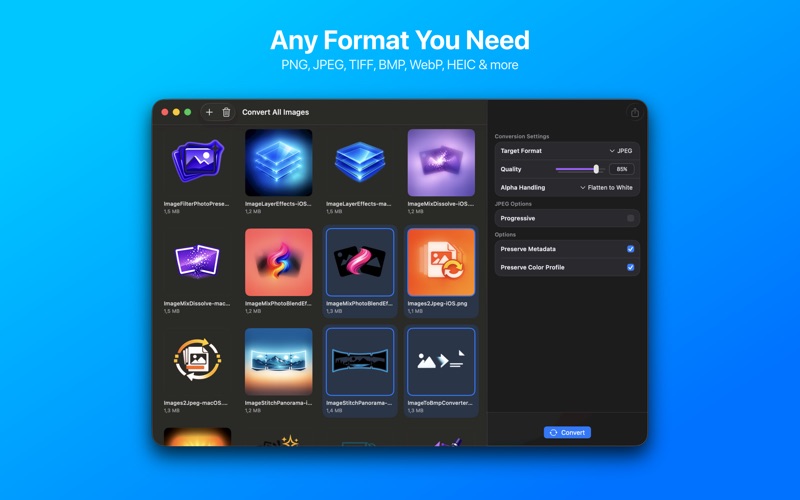
Batch convert images to any format
macOSGraphics & Design$5.99 v3.0.0
Effortlessly transform your images to required formats, individually or in bulk, with complete privacy and speed.

Everything you need.
Nothing you don't.

๐Ÿ—‚๏ธ
Batch Process Many Images
Convert hundreds of images simultaneously with powerful bulk processing.
๐Ÿ–ผ๏ธ
Broad Format Compatibility
Export to PNG, JPEG, HEIC, WebP, GIF, TIFF, BMP.
๐Ÿ”’
On-Device Processing
All image conversions happen locally on your Mac, ensuring privacy.
โšก
Fast & Efficient
Experience rapid conversions with an intuitive, streamlined workflow.
โš™๏ธ
Customize Output Quality
Adjust compression and quality settings for various output formats.
๐Ÿ“ค
Simple Drag & Drop
Easily add files or folders for conversion by dragging them into the app.

Where Convert All Images runs

macOS
Available now
Drag & drop file support
Batch process entire folders
Optimized for Apple Silicon
Download ยท $5.99

Simple by design

Step 01
Drag & Drop Images
Drop your photos or folders into Convert All Images.
Step 02
Select Output Format
Pick your desired export format and adjust any quality settings.
Step 03
Convert and Export
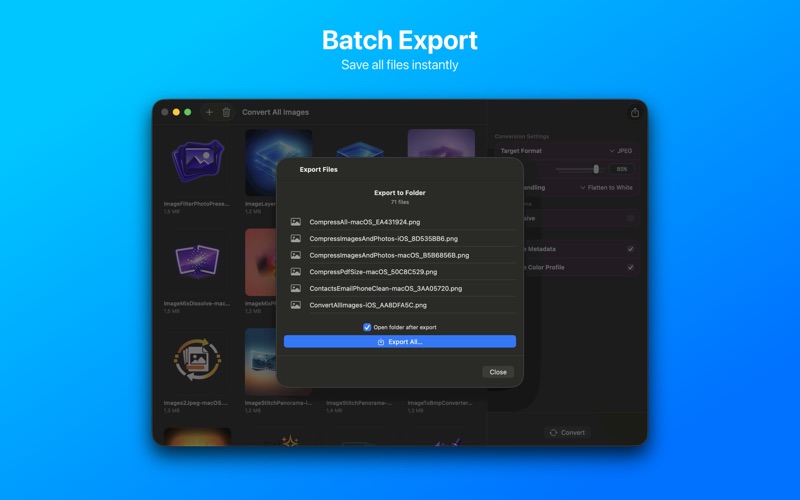
Click "Convert" and your new images are saved to your chosen location.

Common questions

No, Convert All Images is a one-time purchase. Enjoy all features with no recurring costs.
Never. All conversions happen entirely on your device, ensuring your data remains private and secure.
Convert All Images requires macOS 13 Ventura or later, compatible with Apple Silicon and Intel Macs.
Yes, all future updates and new features for Convert All Images are included with your one-time purchase.
macOS version
macOS 13 Ventura or later
Architecture
Apple Silicon + Intel Universal
Purchase model
One-time purchase ยท $5.99
None
No
No

We're here when you need us.

Small team, real humans. We read every message and typically reply within 1โ€“2 business days.

Convert All Images โ€” Graphics & Design for Mac โ€” BraveCL