BraveCL
How to adjust webpage PDF page breaks on Mac
Preview an A4 PDF from a webpage, reduce the bottom margin and move an awkward page break before saving or printing.
- What you'll achieve
- The first A4 page now has a 24 pt bottom margin and a manually adjusted page break.
- What you need
- Open Print Web Pages on a Mac.
- The included Try Example webpage is enough; no website URL is required.

Long webpages rarely split exactly where you want on paper. Print Web Pages captures the webpage once, then lets you inspect the captured image and adjust the paper layout without reloading the site. Use the included Willow Creek Garden Guide to follow along without needing a URL.
1.Load the included webpage example
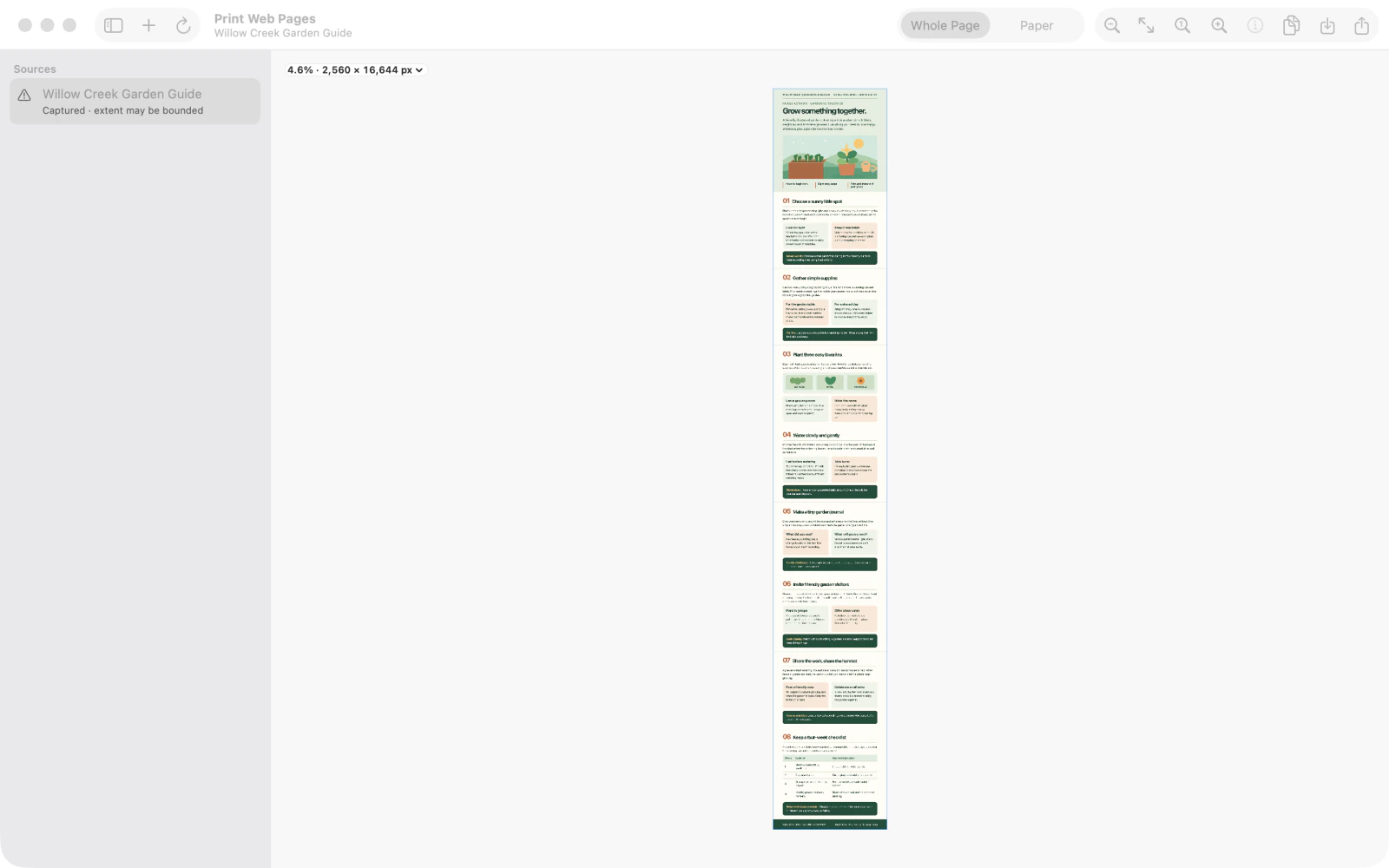
Click Try Example to capture the included Willow Creek Garden Guide. The result opens in Whole Page, and the captured source appears in the sidebar.
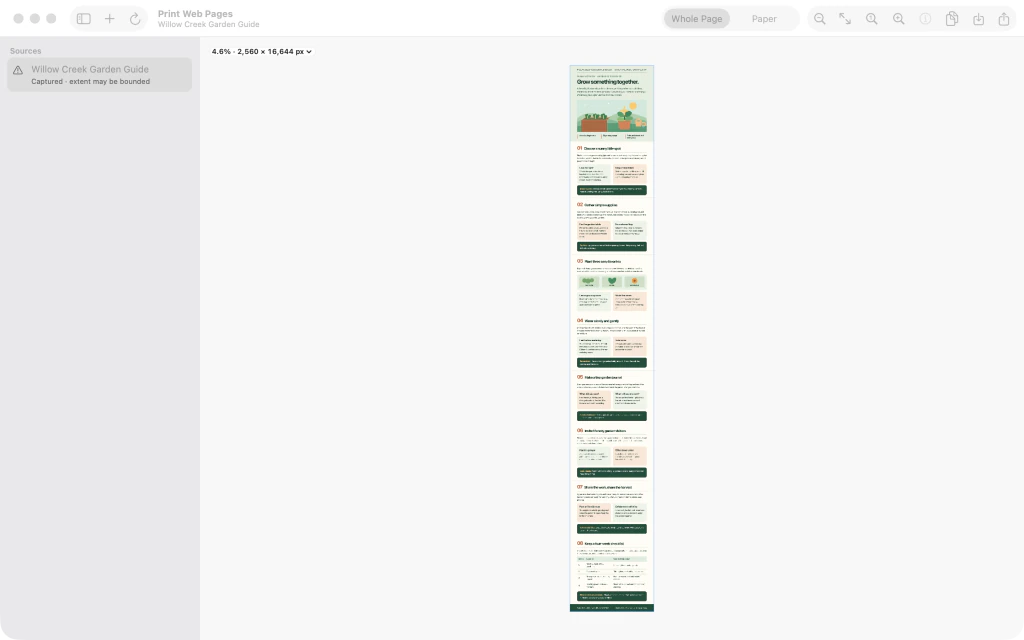
Print Web Pages with the captured Willow Creek Garden Guide displayed in Whole Page view. 2.Inspect the entire captured page
In Whole Page, use the zoom controls to enlarge the captured page and scroll toward its opening sections. Check that the image contains the content you want to print before arranging it on paper.

Enlarged Whole Page view showing the illustrated opening sections of the captured webpage. 3.Switch to Paper and open its settings
Select Paper at the top of the window and open the paper inspector. The example is split into numbered A4 sheets, with Paper Size, Orientation, and margin controls at the right.

Paper preview on A4 with the inspector open and the bottom margin initially set to 36 pt. 4.Reduce the bottom margin to 24 pt
In the inspector, change Bottom Margin from 36 to 24 pt. The page preview repaginates; the top, left and right margins remain 36 pt in this example.

Paper inspector showing Bottom Margin changed to 24 pt while the first sheet is previewed. 5.Move the first page break earlier
Under the first sheet, select Adjust break after this page. In the Page Break controls, click Move earlier once. The first break moves up, and the preview marks it as adjusted.

Page Break controls after moving the first break earlier, with the adjusted boundary visible. 6.Review the adjusted paper preview
Use the page arrows to inspect the next sheet, then return to the first. Check the Adjusted break after this page indicator and the 24 pt Bottom Margin. Continue reviewing the pages before saving, sharing, or printing the PDF.

Final first-sheet paper preview with a 24 pt Bottom Margin and adjusted page break indicator.


After the last step
The captured image remains unchanged, and you can review all the sheets before saving, sharing, or printing the PDF.
Tips
Inspect the capture in Whole Page first to confirm the content.
If the break looks worse, select its page boundary and use Reset to return to the automatic split.
Watch outPaper PDFs are image-based, so their text is not searchable or selectable.
Watch outVery long or dynamically changing websites can exceed capture bounds; review the full result.