 BraveCL




What Font Tools does
Layer text on a photo
On Windows, add text layers to a photo or a blank canvas. Each line stays its own editable layer.
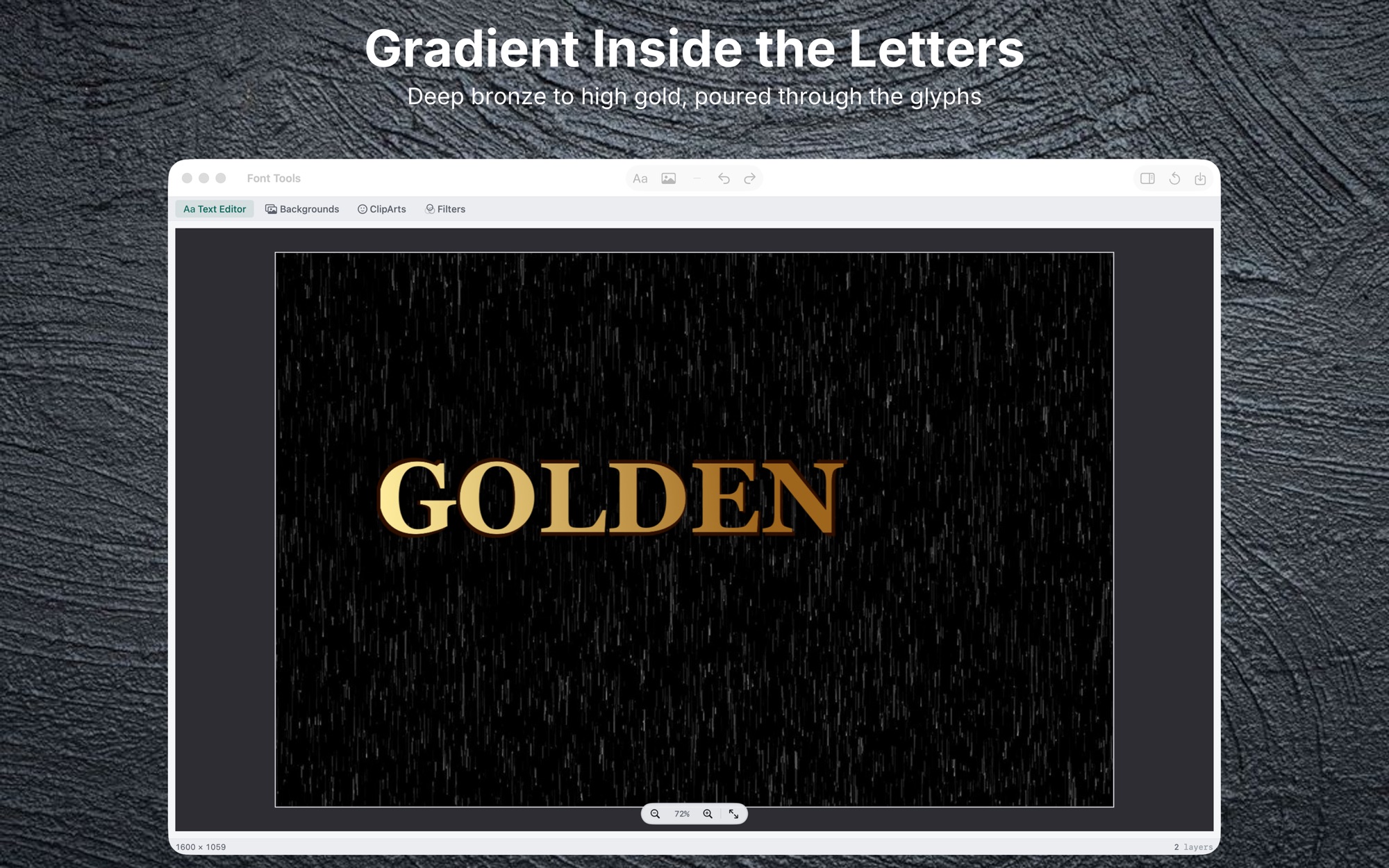
Fill letters with a texture
Fill the letters with a bundled texture, such as wood grain or stone.
Add a shadow behind the text
Turn on a shadow and set its blur and offset.
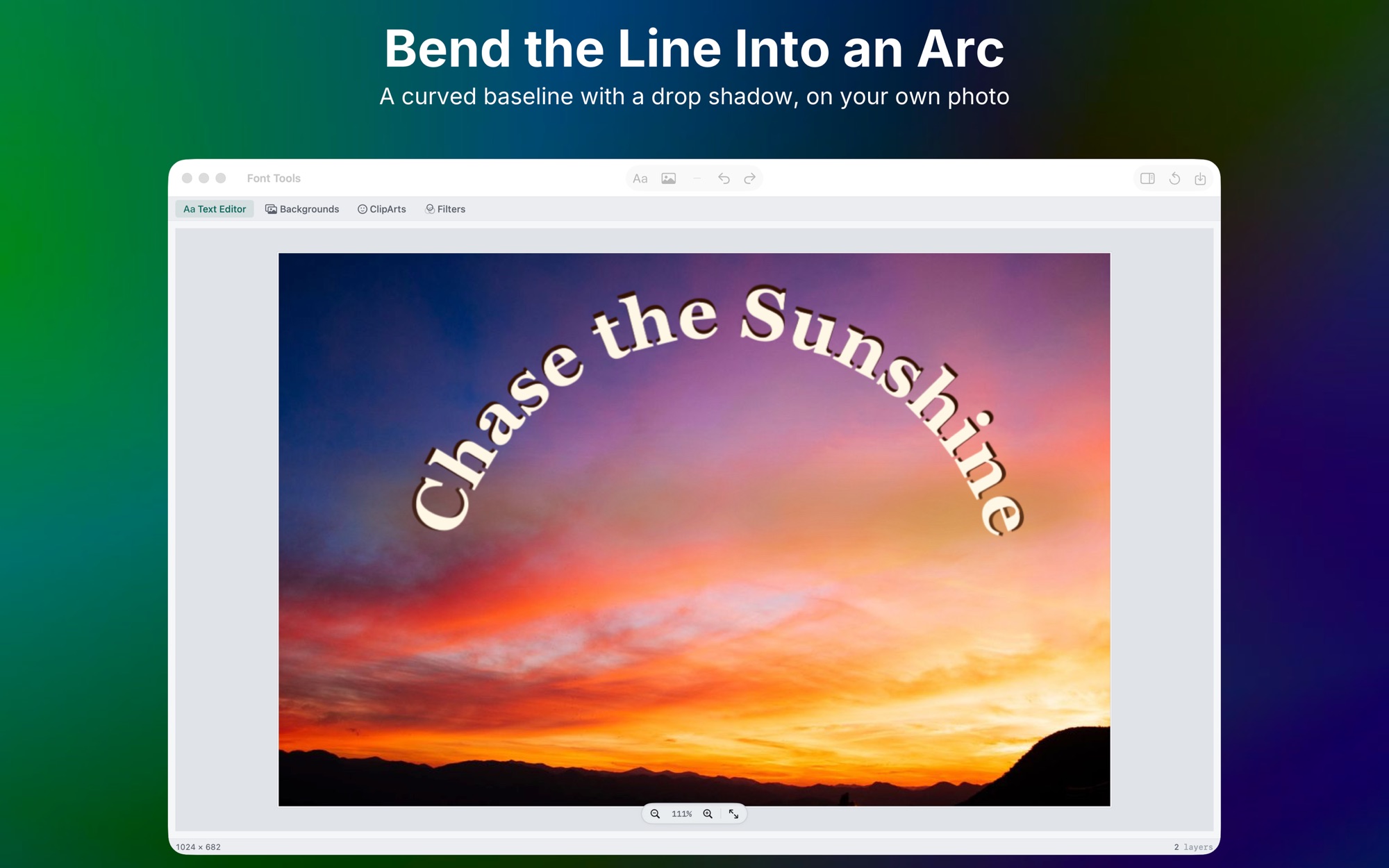
Curve text onto an arc
On Mac, curve the baseline onto an arc and flip it to the other side.
Save a PNG at full size
Save a PNG at the photo's own pixel size, with no watermark.
How it works
Step 1 of 4
Open a photo
On Windows, open an image from disk, or start with a blank canvas.
Step 2 of 4
Add a text layer
Add a text layer, then type. Each line becomes its own layer.
Step 3 of 4
Style the text
Set the font, size, color and shadow in the Text Editor panel.
Step 4 of 4
Export the PNG
Choose where the new PNG is saved. The original photo is not written over.
Exports PNG on Mac. Exports PNG, JPEG, JPEG 2000, BMP or TIFF on Windows.
Platforms and requirements
macOS
- Store
- Mac App Store
- Version
- 2.2
- Requires
- macOS 14.0 or later
- First released
- May 31, 2018
- Last updated
- Sep 7, 2026
- Purchase
- One-time purchase: $4.99 in the Mac App Store
Windows
- Store
- Microsoft Store
- Version
- 1.0.1.0
- Requires
- Windows 10, version 1809 or later
- First released
- Oct 5, 2026
- Purchase
- One-time purchase: $6.99 in the Microsoft Store
- Seller on the Mac App Store
- BraveCloud Tecnologia da Informação LTDA
- Seller on the Microsoft Store
- BraveCL
Details
- Size
- 78 MB
- Languages
- 8 languages
- Account
- Not needed to use the app
Questions
Does it change my original photo?
On Mac, no. Exporting always creates a new file that you name and place.
Which formats does it save?
On Mac, PNG only. On Windows, PNG, JPEG, JPEG 2000, BMP or TIFF.
Is it available on iPhone or Android?
Not at the moment, for iPhone, iPad or Android.
More photo and image apps
 Photo Text EditorAdd styled text, quote overlays, and real-time filters to any photoPhoto & Image
- macOS
- Windows
 Color GradingCinematic color grading — 6 presets, 13 sliders & split-tone tints, exporting to JPEG, WebP or AVIFPhoto & Image
- macOS
- Windows
 Blend ImagesGet a double exposure or texture overlay from two photos. Choose one of 16 blend modes and see it on the canvas.Photo & Image
- macOS
- Windows
Need help with Font Tools?
Install and refund help for each store, and a form that reaches the developer.