File Renamer Pro
File Renamer Pro
Batch rename files with powerful, precise rules
macOSUtilities$9.99 v1.0
Effortlessly organize your digital life by applying custom renaming rules to hundreds of files in seconds, all locally on your Mac.
Everything you need.
Nothing you don't.

⚙️
Apply Powerful Renaming Rules
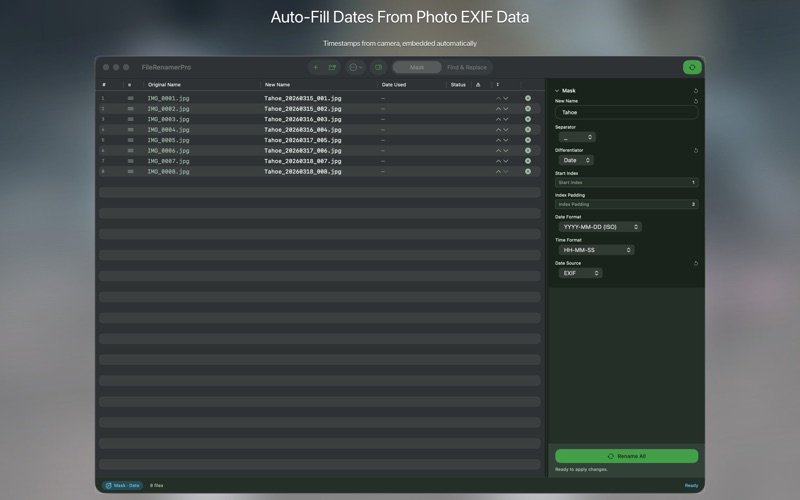
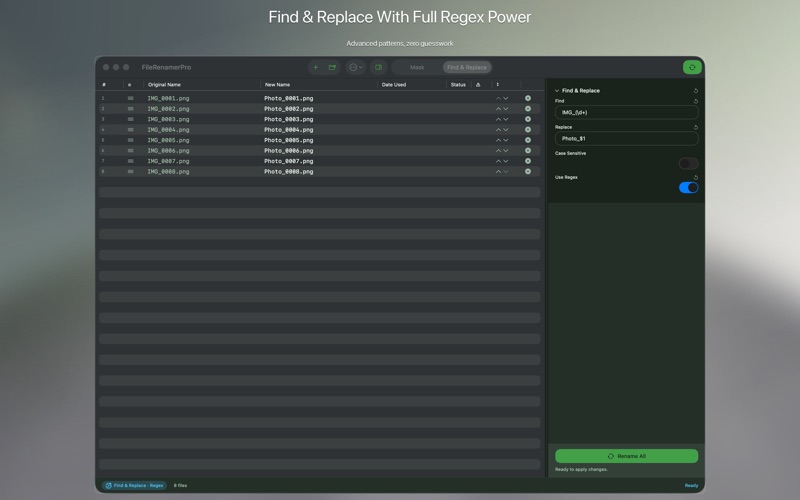
Use find/replace, add numbers, dates, prefixes, suffixes, and more.
👀
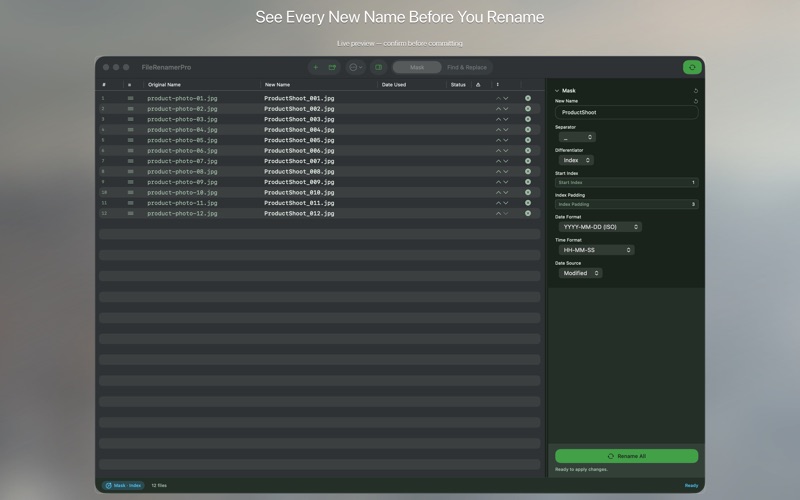
See Renames Instantly
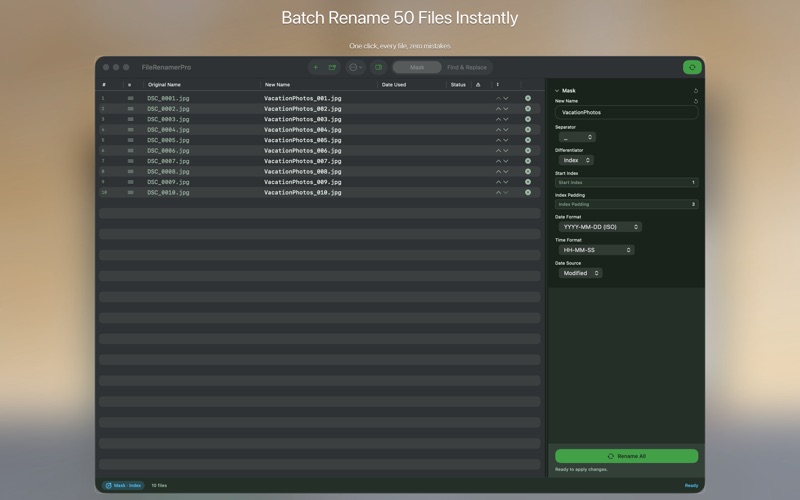
Preview all filename changes in real-time before applying them.
🏷️
Use File Metadata
Rename files using creation date, EXIF data, and other file attributes.
↩️
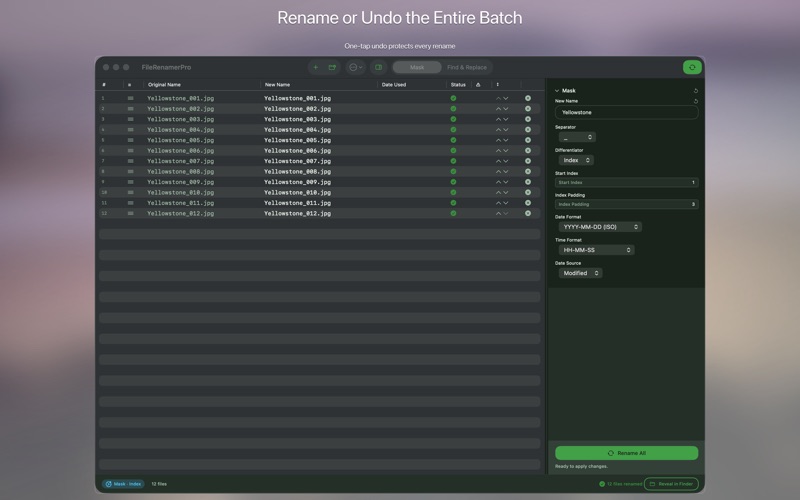
Rollback Accidental Changes
Instantly revert your last renaming operation if you made a mistake.
Save Custom Presets
Save your favorite renaming rule combinations for future use.

Where File Renamer Pro runs

macOS
Available now
Drag and drop files/folders
Batch process thousands of files
Native macOS Dark Mode support
Download · $9.99

Simple by design

Step 01
Select Your Files
Drag and drop files or folders into the app to begin renaming.
Step 02
Define Renaming Rules
Choose from various powerful rules and see changes in the live preview.
Step 03
Apply Changes Instantly
Click "Rename" to apply your rules and organize your files.

Common questions

No, File Renamer Pro is a one-time purchase. You own the app forever with no recurring fees.
Absolutely not. All renaming operations are performed locally on your Mac, ensuring your privacy and data security.
File Renamer Pro requires macOS 13 Ventura or later and is optimized for Apple Silicon and Intel Macs.
Yes, all future updates and new features for File Renamer Pro are included with your one-time purchase.
macOS version
macOS 13 Ventura or later
Architecture
Apple Silicon + Intel Universal
Purchase model
One-time purchase · $9.99
No in-app purchases
No analytics
No account required

We're here when you need us.

Small team, real humans. We read every message and typically reply within 1–2 business days.

File Renamer Pro — Batch File Rename for Mac — BraveCL