File Finder — Folder Scanner
Discover hidden files, organize your macOS folders
macOSUtilities$9.99 v1.0
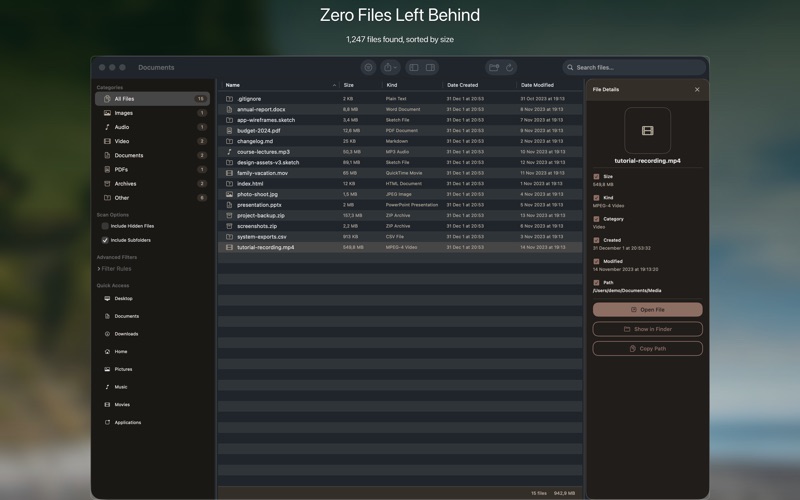
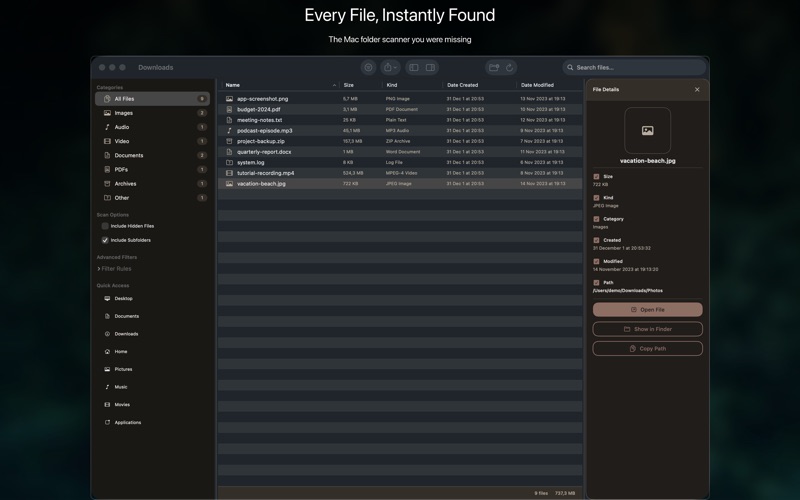
Efficiently scan any macOS folder to quickly locate, filter, and manage files based on specific criteria.
Everything you need.
Nothing you don't.

🔍
Deep Folder Scan
Recursively scan any directory for all files and subfolders.
⚙️
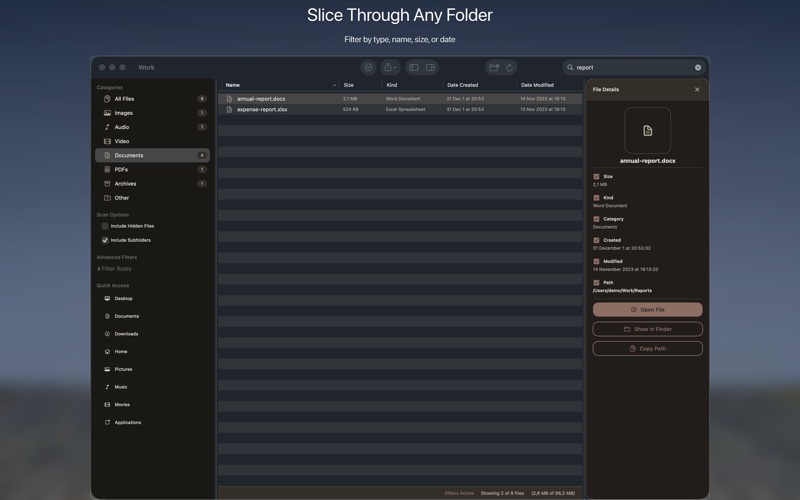
Custom Filter Rules
Apply multiple criteria like name, type, size, and date.
🗂️
Organize Found Files
Move, copy, or delete selected items directly within the app.
👁️
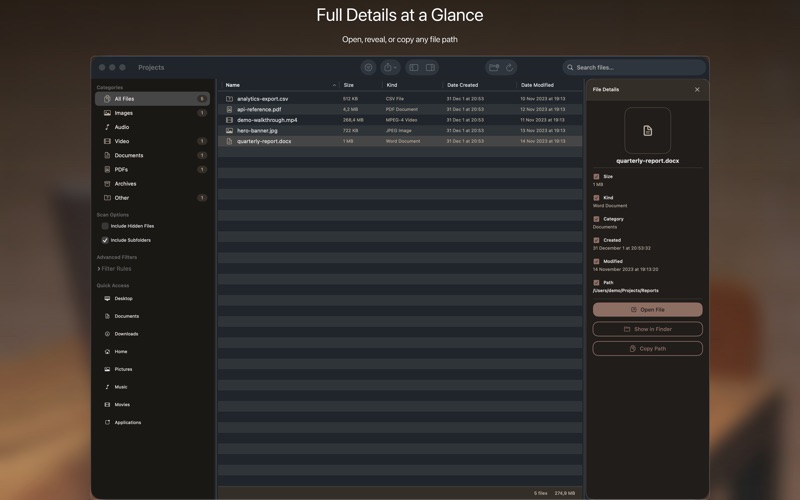
Quick Look Previews
Instantly view documents, images, and media files.
📝
Export Search Reports
Save detailed lists of found files in various formats.
Blazing Fast Performance
Experience rapid scanning and filtering across large datasets.

Where File Finder — Folder Scanner runs

macOS
Available now
Quick Look file previews
Drag & drop folder selection
Optimized for Apple Silicon
Download · $9.99

Simple by design

Step 01
Choose a Folder
You selected the specific macOS folder to scan.
Step 02
Set Your Filters
You applied desired search criteria like file type or date range.
Step 03
Review and Manage
You quickly reviewed results and organized your found files.

Common questions

No, File Finder is a one-time purchase. Enjoy all features with a single upfront payment, no recurring costs.
Absolutely not. File Finder processes all data locally on your Mac. Your files never leave your device.
File Finder requires macOS 13 Ventura or later to ensure optimal performance and integration with the latest system features.
Yes, all minor and major updates for File Finder are included free of charge with your one-time purchase.
macOS version
macOS 13 Ventura or later
Architecture
Apple Silicon + Intel Universal
Purchase model
One-time purchase · $9.99
In-app purchases
None
Analytics
No
Account required
No

We're here when you need us.

Small team, real humans. We read every message and typically reply within 1–2 business days.

File Finder — Folder Scanner — Disk Explorer for Mac — BraveCL