 BraveCL

PDF Organizer Pro
Bring PDFs and images into one ordered document. Preview pages, rotate scans and set export options before saving.
Only on Mac for now.
- Category
- Utilities
- Platforms
- Latest version
- 2.0

What PDF Organizer Pro does
Combine PDFs and image pages
Drag in PDFs and images, then see the pages together in a thumbnail list beside the assembled document.
Reorder and rotate pages
Drag pages into place, leave unwanted pages out and turn sideways scans. Undo or redo changes while the originals stay unchanged.
Extract exactly the pages you need
Split into individual pages, select pages or enter ranges. Check the projected page and file counts before exporting.
Control how PDFs are saved
Choose compression, export profiles, an output filename, a password, print and copy permissions, and document details.
Handle PDFs across a folder
Split a folder of PDFs into page-count groups or rotate landscape pages to portrait, with results shown per file.
How it works
Step 1 of 4
Add PDFs and images
Drag your source files into the app or choose them from the file picker.
Step 2 of 4
Put pages in order
Use the thumbnail list to reorder pages, omit unwanted ones and rotate sideways scans.
Step 3 of 4
Choose the output
Keep the assembled document, split it into pages or extract selected pages and ranges.
Step 4 of 4
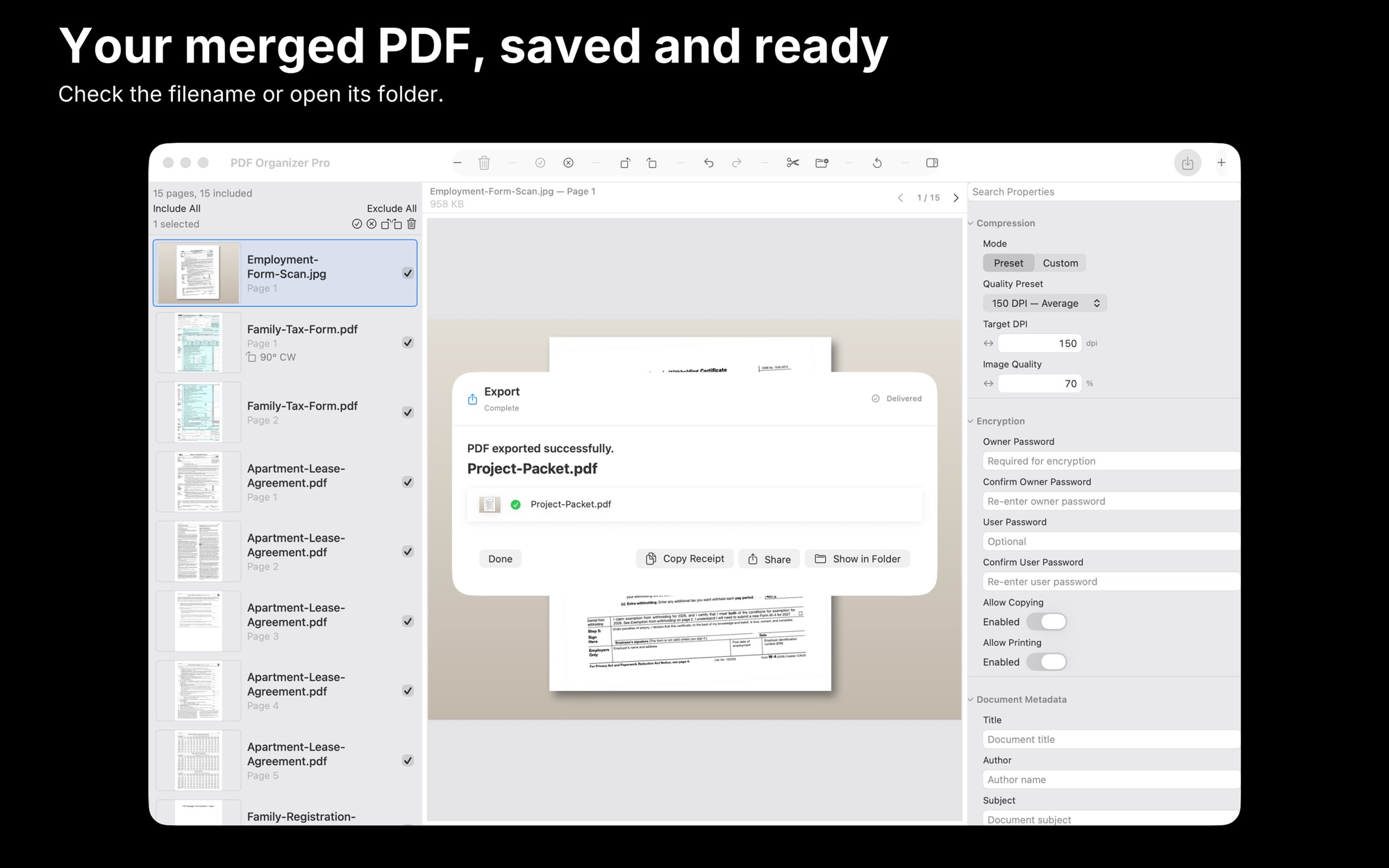
Review settings and save
Check the preview and estimated output, set export options and choose a filename before saving.
Guides for PDF Organizer Pro
Solve a practical task with PDF Organizer Pro, from the first step to the result.


Platforms and requirements
macOS
- Store
- Mac App Store
- Version
- 2.0
- Requires
- macOS 14.0 or later
- First released
- Apr 23, 2018
- Last updated
- Nov 9, 2026
- Purchase
- One-time purchase: $9.99 in the Mac App Store
- Seller on the Mac App Store
- Clovis Michel Pedroso Picanco
Details
- Size
- 11 MB
- Languages
- 43 languages
- Account
- Not needed to use the app
Questions
Will it change my original files?
No. You can reorder, omit and rotate pages in the new document while the original files stay unchanged.
Can I extract separate page ranges?
Yes. Select individual pages or enter nonconsecutive ranges, and review the page and PDF counts before export.
Does it edit PDF text or unlock files?
No. It does not edit text inside PDFs, run OCR, add digital signatures or unlock protected source PDFs.
What's new
Version 2.0 · Nov 9, 2026
Version 2.0 is rebuilt: bring PDF and image pages together in one visual page list, reorder, rotate or leave out pages and preview the result. Extract precise ranges, process folders in two batch modes and save with compression and password options.
All releases of PDF Organizer ProMore utilities
 Duplicate Image DetectorScan a folder for exact and look-alike copies. Compare each group side by side and pick the one to keep.Utilities
- macOS
 Merge PDF Files StudioMake one ordered PDF packet from separate handouts. Replace revised files and add section bookmarks before saving.Utilities
- macOS
 Image Base64 EncoderCopy complete snippets, with the original bytes unchanged. Choose Raw Base64, Data URI, HTML, CSS or Markdown.Utilities
- macOS
Need help with PDF Organizer Pro?
Install and refund help for each store, and a form that reaches the developer.