BraveCL
How to convert an image to Base64 on Mac
Convert an image to Raw Base64 text on Mac, inspect the preview, then copy or save the encoded output.
- What you'll achieve
- The imported image appears in the preview, and the Output pane displays its Raw Base64 payload, ready to copy or save.
- What you need
- Base64 Image Converter Pro 3.0 installed on your Mac.
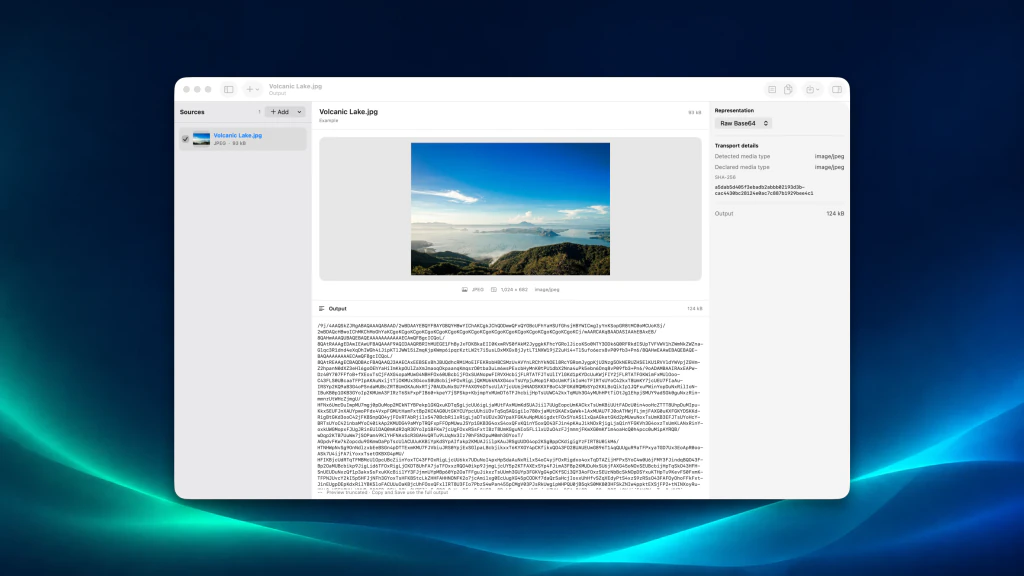
Base64 Image Converter Pro converts the bytes of an image into Base64 text. This walkthrough uses the app's bundled sample so you can reproduce the result without choosing a separate image file.
1.Open the image converter
Open Base64 Image Converter Pro. The empty workbench offers Choose Files... to load an image from your Mac and Load Example to try a bundled sample.
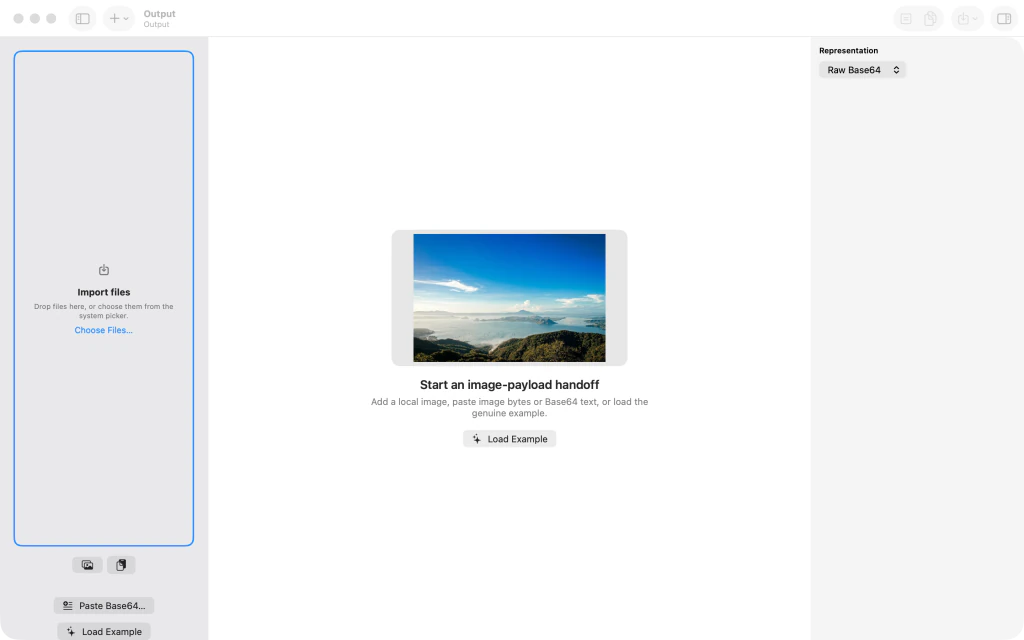
Base64 Image Converter Pro's empty workbench with Choose Files and Load Example options. 2.Load an image and inspect its Raw Base64 output
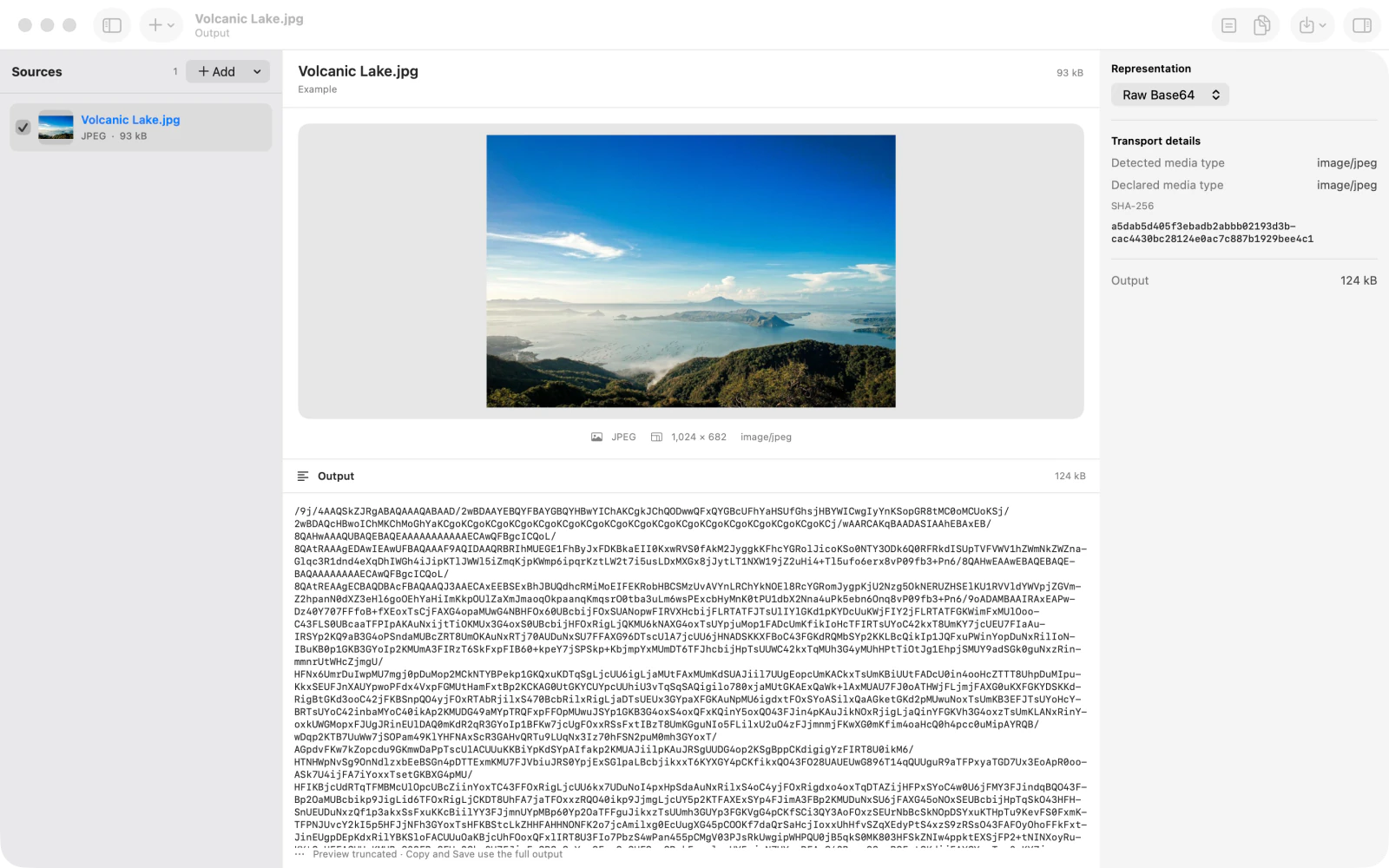
Click Load Example to open the included Volcanic Lake.jpg image. With Raw Base64 selected under Representation, the preview appears beside the encoded text in Output. The copy and save actions are now available.
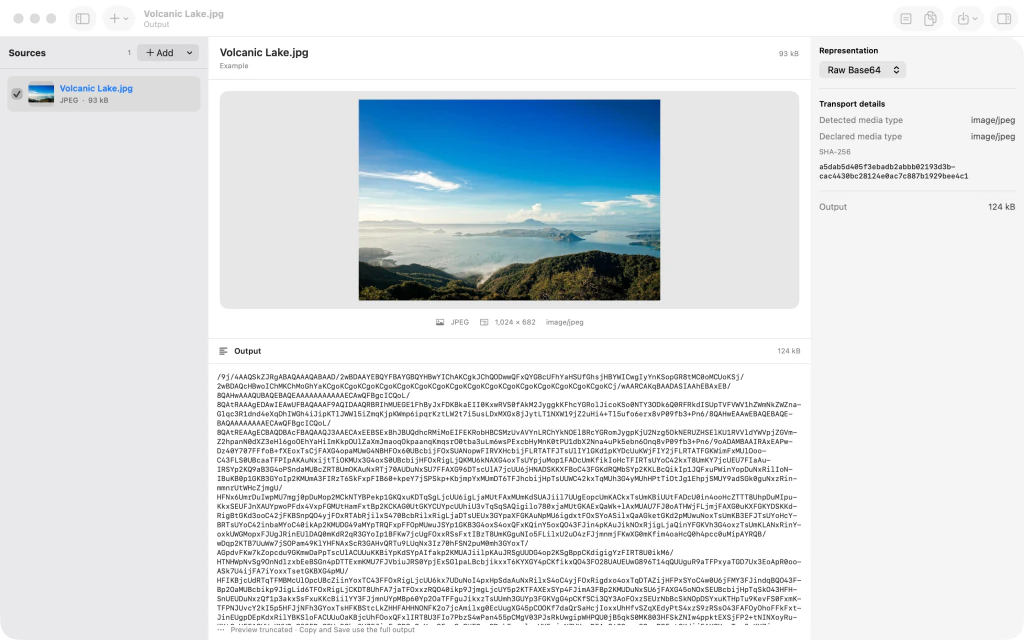
Volcanic Lake.jpg preview and Raw Base64 encoded output in Base64 Image Converter Pro.
Tips
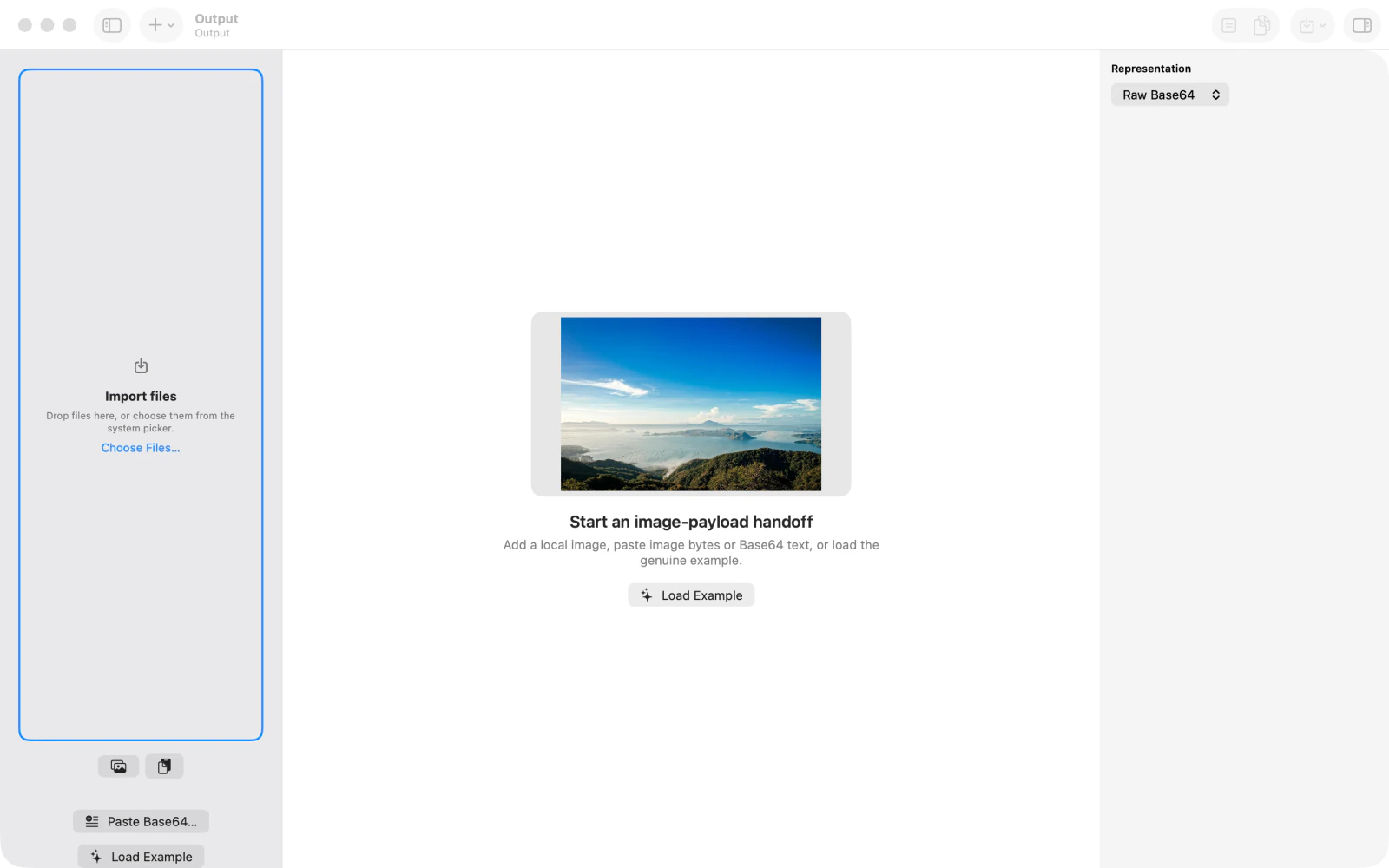
To convert your own image instead, click Choose Files... in the empty workbench.
Keep Raw Base64 selected when your destination expects only Base64-encoded image data, without a data URI prefix.
Watch outBase64 is an encoding, not encryption. It does not conceal or protect confidential image content.