 BraveCL

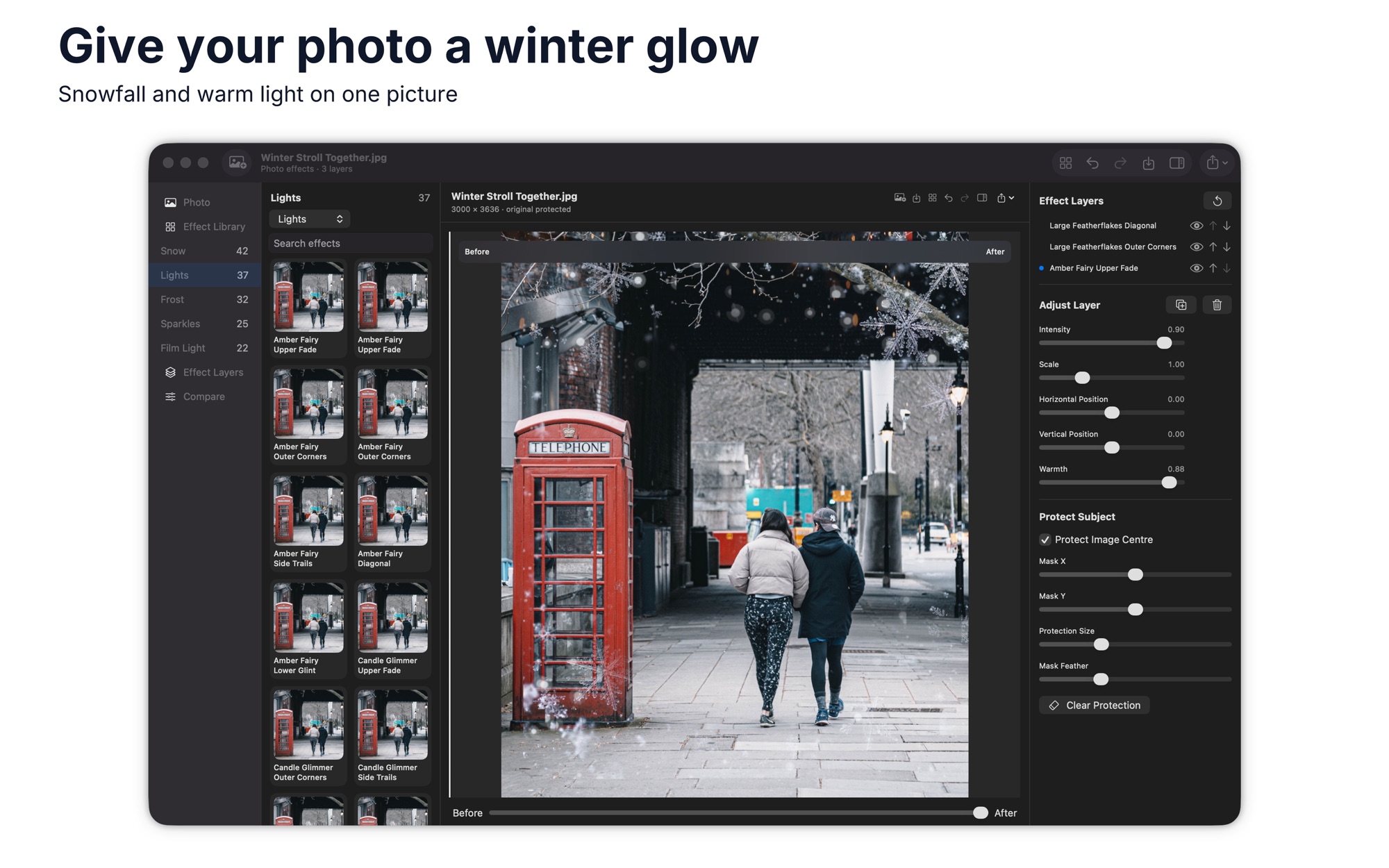
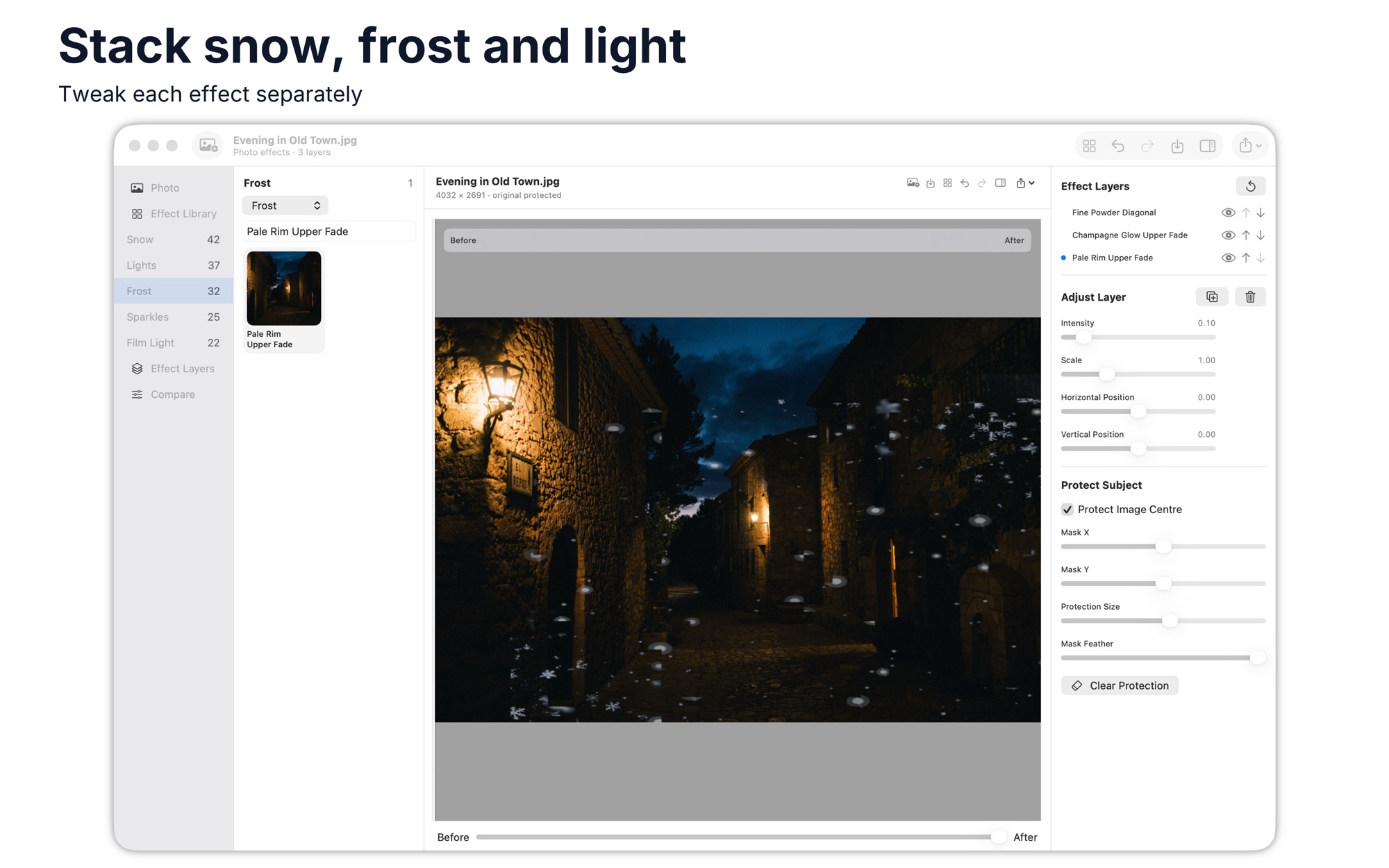
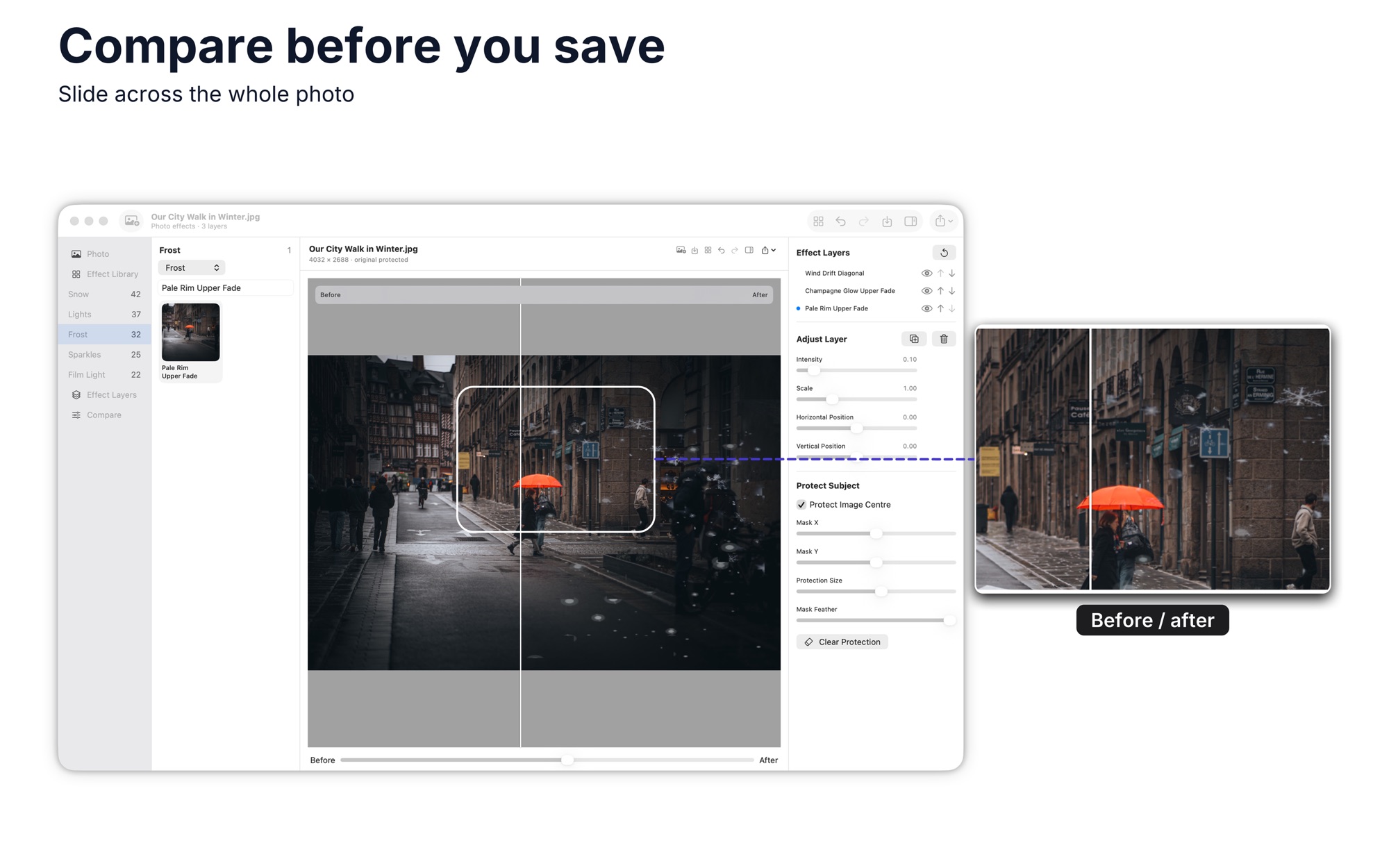
What Christmas Filters & Cards does
Apply an effect to a photo
Choose an effect and it is applied to the photo. Adjust its strength with the intensity slider.
Set how strong the effect is
Move the intensity slider above the effects to change how strong the effect looks.
Share or print the result
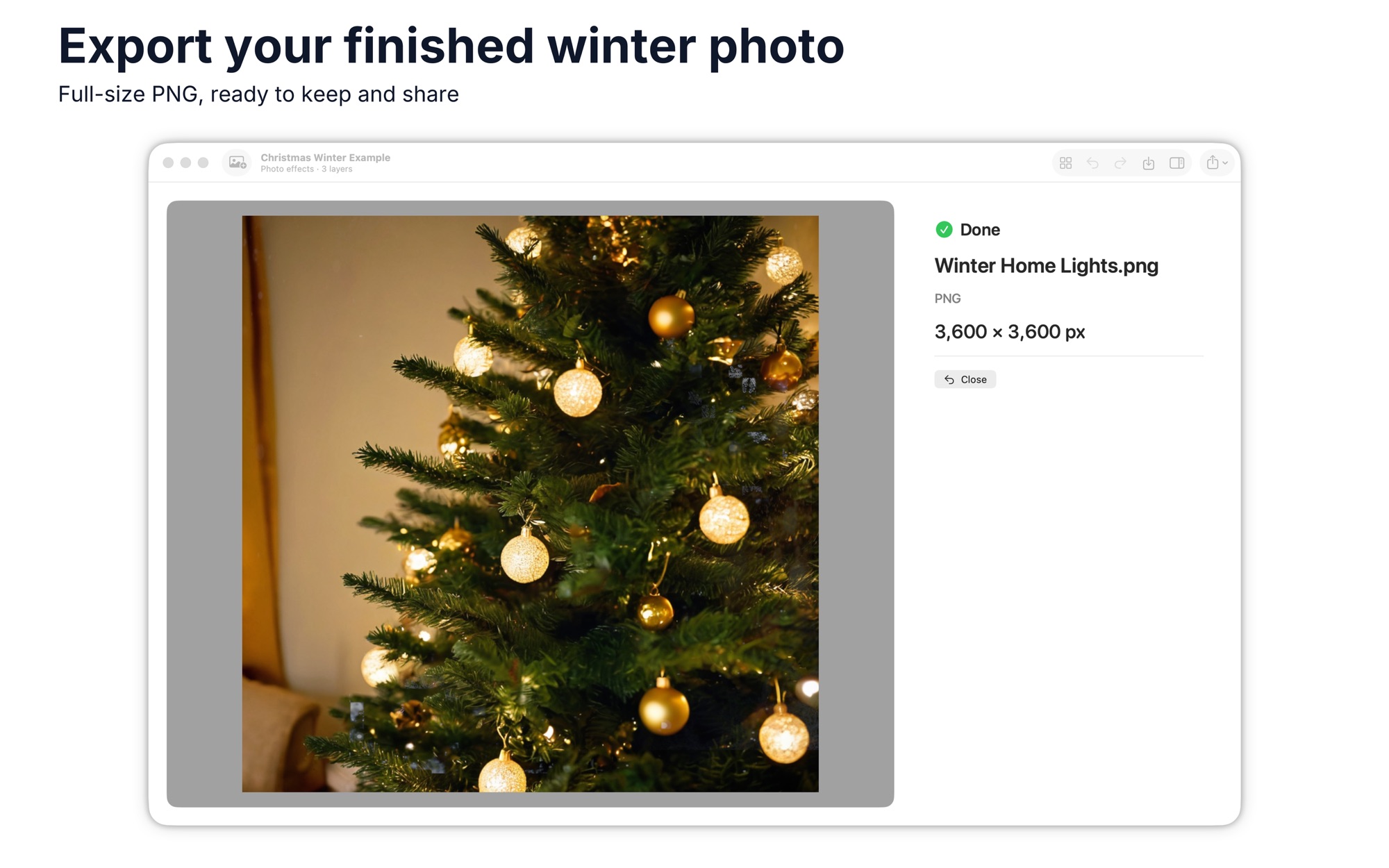
Use Export to save the image, share it on social media, copy it or print it.
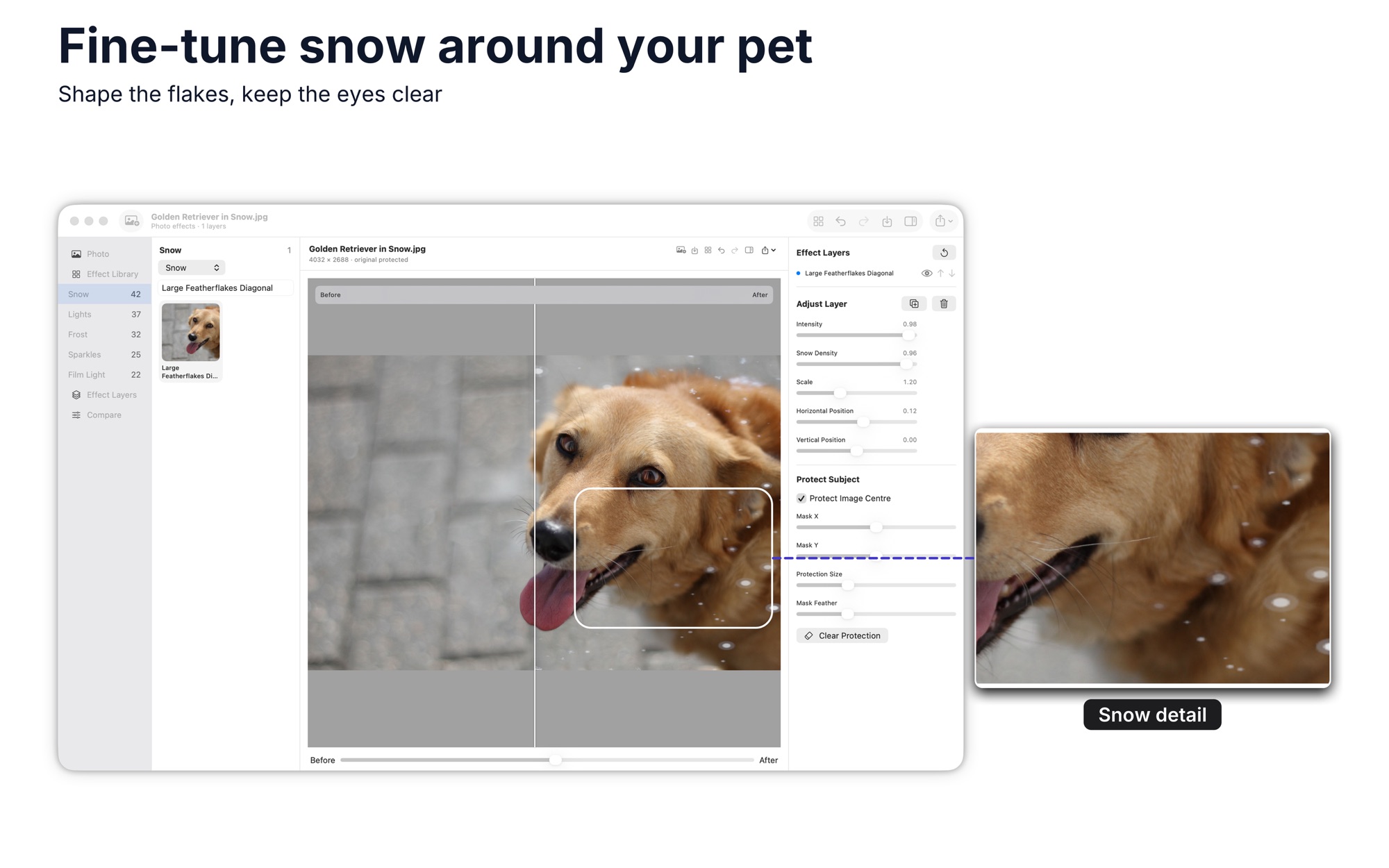
Keep the subject clear of snow
On Mac, tick Protect Image Center, then set Mask X, Mask Y and Protection Size to choose the protected area.
How it works
Step 1 of 4
Open a photo
Select the image you want from your gallery. On iPhone you can tap the camera to take a fresh one.
Step 2 of 4
Choose an effect
Select the filter you want and it is applied to your photo.
Step 3 of 4
Set the intensity
Move the slider above the filters to change the intensity.
Step 4 of 4
Export the image
Tap Export to save the image, share it, copy it or print it.
Platforms and requirements
macOS
- Store
- Mac App Store
- Version
- 3.0
- First released
- 6 Dec 2017
- Purchase
- One-time purchase: USD 9.99 in the Mac App Store
iOS
- Store
- App Store
- Version
- 2.1
- Requires
- iOS 10.0 or later
- First released
- 6 Dec 2017
- Last updated
- 30 Aug 2019
- Purchase
- One-time purchase: USD 9.99 in the App Store
- Seller on the Mac App Store
- BraveCloud
Details
- Languages
- 1 language
- Account
- Not needed to use the app
Questions
Which effects does it offer?
The app has 50 Christmas filters. On Mac, the effects are grouped as Snow, Lights, Sparkles and Film Light.
Can it protect the subject?
On Mac, yes. Protect Subject lets you set a protected area with Mask X, Mask Y and Protection Size.
Does it work on iPad?
Yes. It is on sale in the App Store for iPhone and iPad.
Is it on Windows?
Not at the moment.
More photo and image apps
 Color GradingCinematic color grading — 6 presets, 13 sliders & split-tone tints, exporting to JPEG, WebP or AVIFPhoto & Image
- macOS
- Windows
 WatermarkGet copies of each photo with your logo or text in the same spot. Check each one in the preview, then export.Photo & Image
- macOS
- Windows
 Photo Converter StudioGet a folder of images in the format another program accepts. Set options once, then see which files finished.Photo & Image
- macOS
- Windows
Need help with Christmas Filters & Cards?
Install and refund help for each store, and a form that reaches the developer.